Everything Mojiya does
A Japanese course, a dictionary, and a reader for everything you already read and watch: books, videos, YouTube, web pages. Look up any word you meet, then keep it for review. On Android, iOS and the web, plus a browser extension for your computer.
At a glance
- 字A course from kana to N1-equivalent. 182 kana, 2,136 kanji, 9,460 words and 483 grammar points, one lesson at a time, every character written out stroke by stroke.
- 復Reviews on an FSRS-6 schedule. Each card comes back when you are about to forget it. Type the reading into a sentence, pick the meaning, build the word from tiles or write it by hand. Words you look up can join them.
- 辞A dictionary that works offline. All of JMdict and JMnedict’s names, searched in Japanese, kana, romaji or English, or by drawing a kanji. Every word is voiced, on the phones with the audio downloads.
- 声Audio for every word. Every word in the dictionary in both a female and a male voice, plus 14,357 example sentences. On Android and iOS the dictionary’s recordings are an optional download; on the web they stream.
- 本Your own books and manga. EPUB, PDF, a ZIP or RAR of pages (CBZ, CBR) or a folder of images. Tap a word to look it up, even inside a speech bubble.
- 観Your own videos with subtitles. Stop at each line, replay it, list every line, and look up any word in it.
- 映YouTube as text. Japanese captions, drawn as a line you can read and look up.
- 網Browse any website. A browser built in. Hold a word on any page (click it, on the web), or open the page in the reader.
- 選Look up from any app. Select text anywhere and choose "Look up in Mojiya": from the selection menu on Android, from Share on iOS. On the web, the browser extension does it on any page.
- 札Words to Anki. Cards go out with their reading, meanings and the sentence they came from. One tap into AnkiDroid on Android and AnkiMobile on iOS, and into desktop Anki on the web and from the extension; a deck file on iOS and the web too. From a video, the card also gets the scene’s picture and audio (on iOS, in a deck file with Mojiya’s note type).
- 移Bring your progress. Move in from Anki, WaniKani or Renshuu without starting over: words, kanji, and grammar decks from Anki.
- 拡A browser extension. On a computer, hover over Japanese on any page, read YouTube and Netflix subtitles as a line you can look up, and send words to Anki.
- 静No ads, no trackers. Lessons and tools work offline in the apps. In the browser, once the site has been opened twice, the dictionary and part of the course do too, and you can choose to keep the whole course, its recordings and the dictionary’s audio for offline.
- 同Cloud backup. Sign in with Apple or Google and your reviews, coins, saved words, notes and settings stay the same on Android, iOS and the web.
Screens
字The course and its reviews
The course runs from the kana through N1-equivalent kanji, vocabulary and grammar: 34 kana lessons, 2,136 kanji lessons and 483 grammar lessons, with 9,460 words taught alongside the kanji they use and studied as a vocabulary track of their own, N5 to N1, most-used first. Each band is our own mapping to the JLPT levels, not an official list.
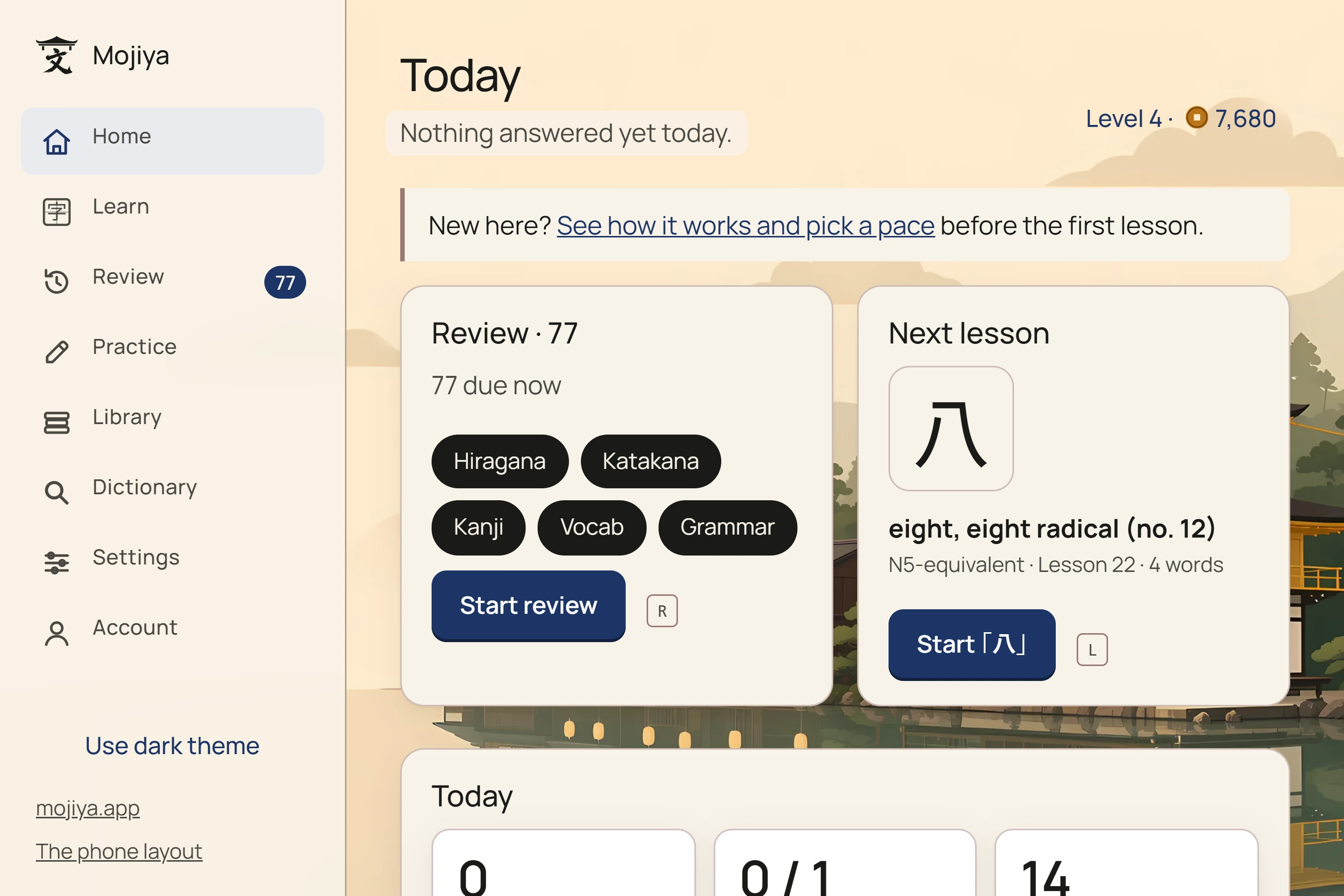
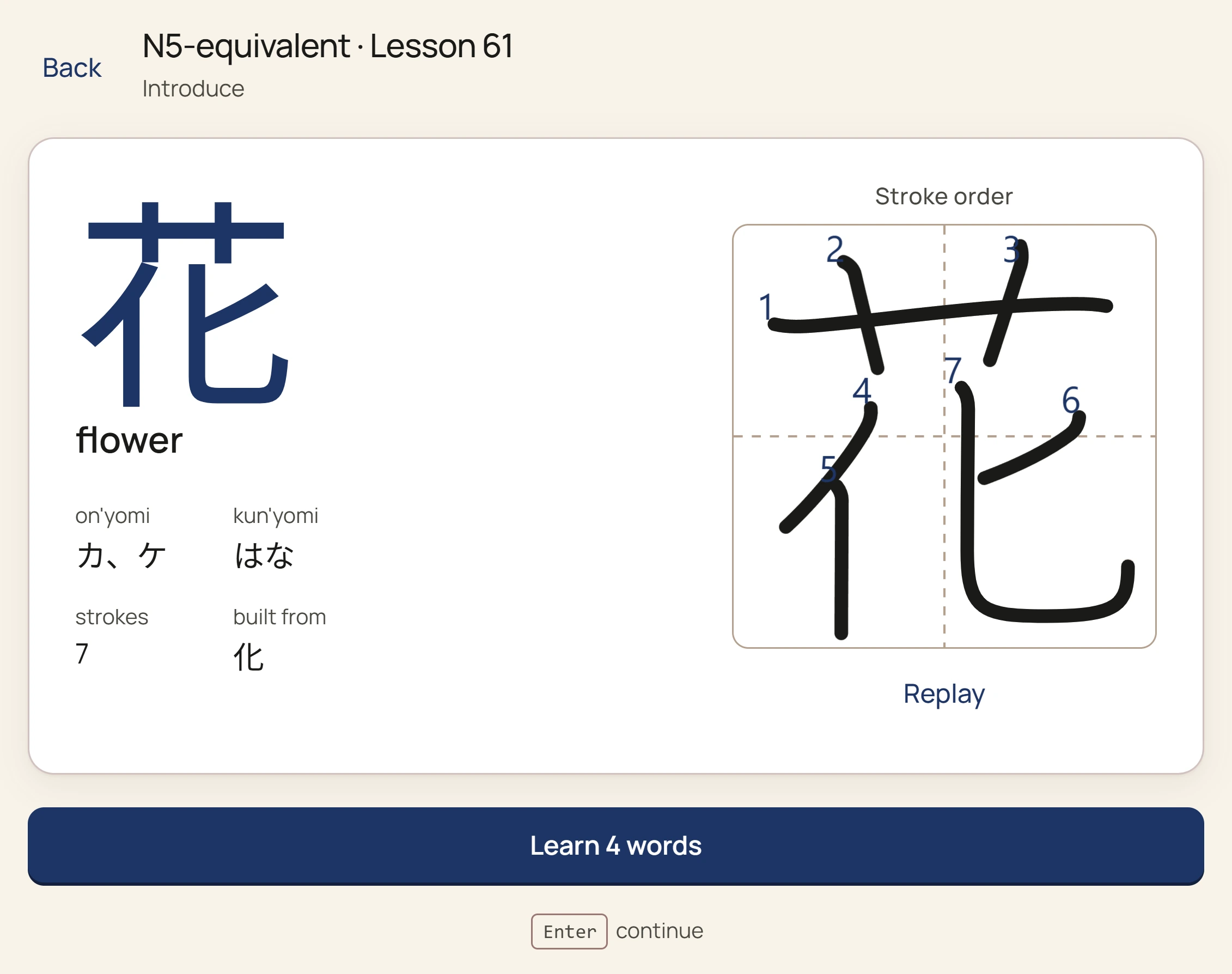
- Lessons. A kanji is taught with its readings, its parts and its strokes in order, then met again in the words that use it. The lesson's kanji are drawn in a textbook face, and words and example sentences are voiced.
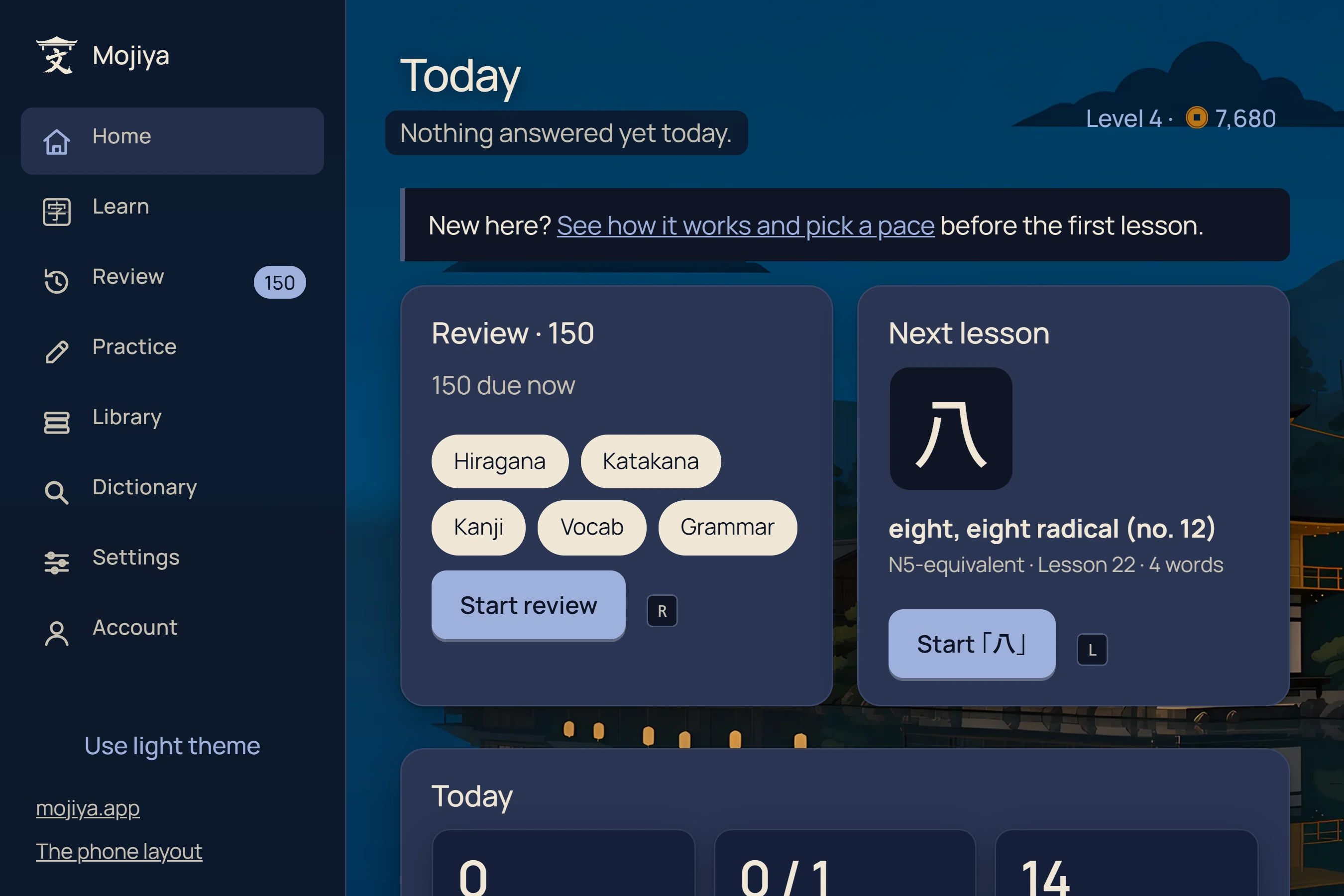
- Next lesson. Home shows the next lesson beside what is due.
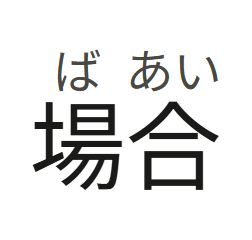
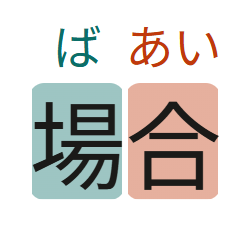
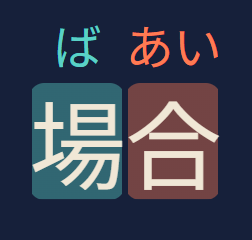
- Word colours. When a lesson teaches a word, each kanji's share of its reading can be tinted, so in 場合 you see that ば belongs to 場 and あい to 合.
- Grammar. 483 points from N5 to N1, each with its structure, an example sentence and, for most, links to outside lessons that explain it.
- Reviews. Each card comes back on an FSRS-6 schedule, when you are about to forget it. Readings and grammar are typed into a blanked sentence, meanings are picked, and words and kanji are built from tiles or, if you switch it on, written by hand and graded against real stroke data.
- Your own words, reviewed here. Any word you look up, in a book, a video, a web page or the dictionary, can join your reviews with Review in Mojiya, as well as going to Anki.
- Type it your way. Typed answers take romaji, kana or kanji. A one-letter slip is forgiven, and another form of the right word asks you to try again rather than marking you wrong. A grammar form can be typed in kana (あとで for 後で), and another construction that also fits the blank asks you for the one the lesson teaches.
- A summary after each session: every card, which way it was asked, and the XP and mon it earned.
- A rank you can watch. Each answer shows the card's rank moving, from New through Beginner, Adept, Seasoned and Expert to Master. A mis-tap can be taken back, the English hint can be switched off, and on phones each answer can vibrate.
- A wrong pick is ruled out. In a multiple-choice question a wrong answer greys out and you try again, but the miss still counts on the card's schedule.
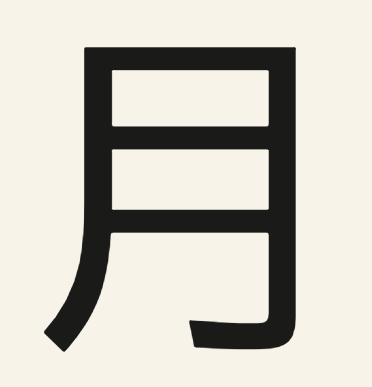
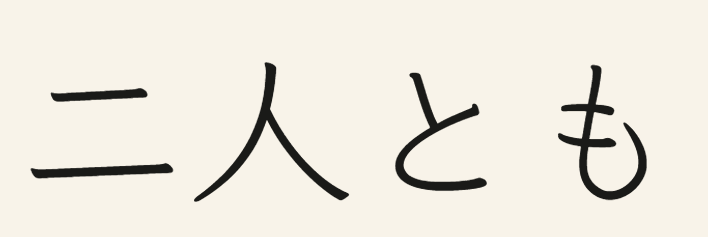
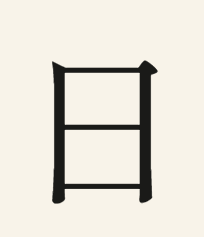
- Many typefaces. Switch on the randomiser and each card's Japanese is drawn in one of up to ten faces, from textbook to print to brush, so you learn the character and not one font. Choose how unusual the faces may get, switch any face off, and see your retention in each.
- Kana. Hiragana and katakana are separate tracks, each with a chart tinted by your progress.
- Placement test. Already know some Japanese? Test out of the lessons you know, kana included.
- Pace. The daily pace is offered as the minutes it will cost, not as "fast" or "slow". Choose how many words a lesson teaches and how many lessons a day. Set a daily reminder (on the web, signed in, switch on the closed-site reminder and allow notifications; otherwise it fires while the site is open, or on your next visit), and take a break of anything from a day to two weeks without losing your streak.
- Statistics. Retention overall, by question type, by how you answered and by typeface, reviews per day, a forecast of the reviews to come, and what you have studied at each level. A rate is shown only once it rests on 30 answers or more.
- Browse everything. A grid of every kanji, tinted by how well you know each one and filtered by level, and lists of every word and grammar point. Every item has its own page, which holds your notes and can send it to Anki, and a word's page can start studying that word.
- Coins and a shop. Reviews and lessons earn XP, which raises your level, and mon, which buys quiz themes and progress and XP bars in the Mon shop. Achievements are a set of medal coins. Optional tips, on Android, iOS and the web, add a supporter coin, bars and a frame; they unlock no lessons.
Word colours Five colour pairs, or none, on the letters or as a chip behind them.



Typefaces in reviews Ten Japanese typefaces, from textbook to print to brush. Each card picks one; choose how unusual they may get, and switch any off.

練Practice beyond reviews
- Practice recent mistakes, the cards you keep forgetting, or any lesson again, without touching the schedule.
- A conjugation drill for verbs and adjectives.
- A practice test in the JLPT's shape: four sections built from the course's own words and sentences.
- Dictation: hear a sentence and type it.
- Hear it first: a meaning question asked by sound alone.
- Reading practice: sentences made only of what you have already learned, or with exactly one new character.
- Words to learn first: pick a book or a video, and the app lists the words in it you have not met yet.
辞The dictionary
- All of JMdict, with JMnedict's names, offline. Names of people and places turn up beside the words in search and look-ups.
- Search any way in. Kanji, kana, romaji (
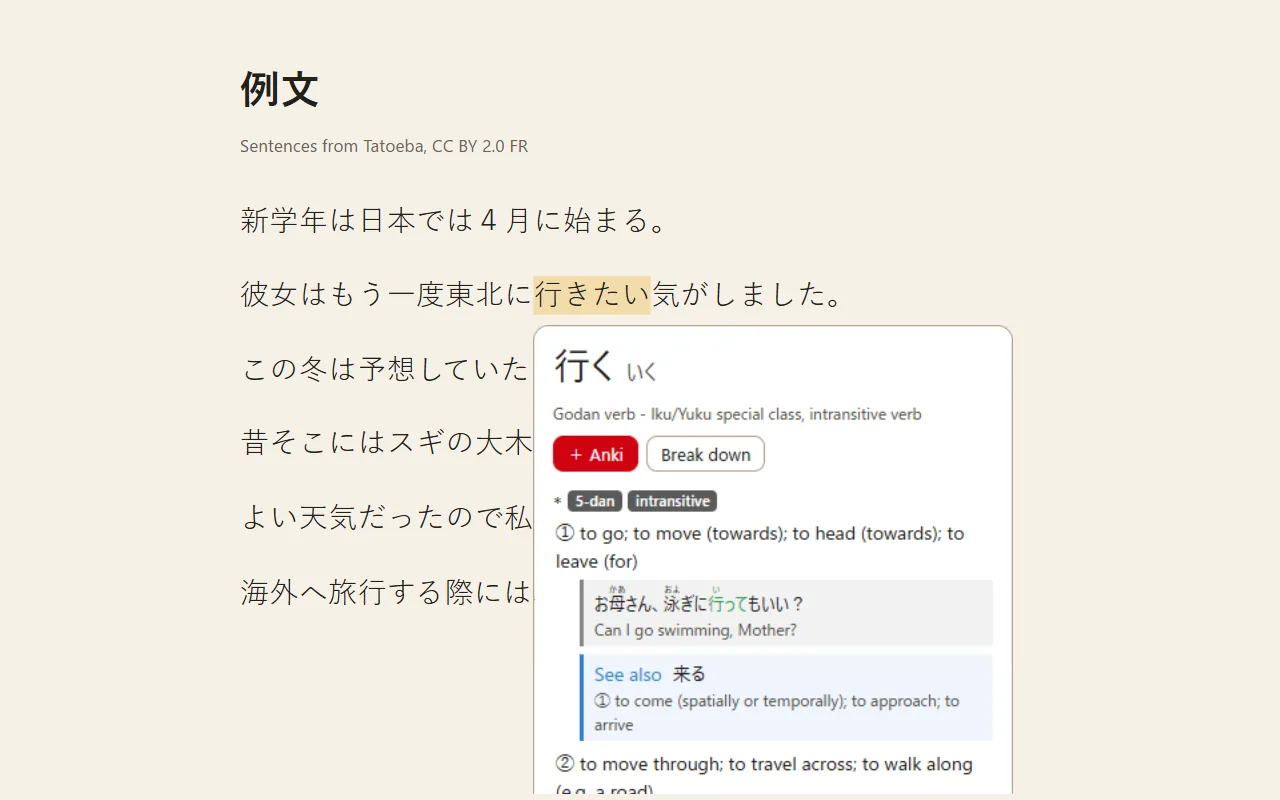
taberu,anzann) or English (to eat). A conjugated form finds its dictionary form: 行きたい finds 行く.*and?work as wildcards. - Draw a kanji you cannot type, or find it by its parts.
- Entries show readings, parts of speech, every sense and the kanji in the word. Search a single kanji for its readings, its stroke order and the course words that use it. Most course words also show their pitch accent and the course’s example sentences, and most words show how common they are.
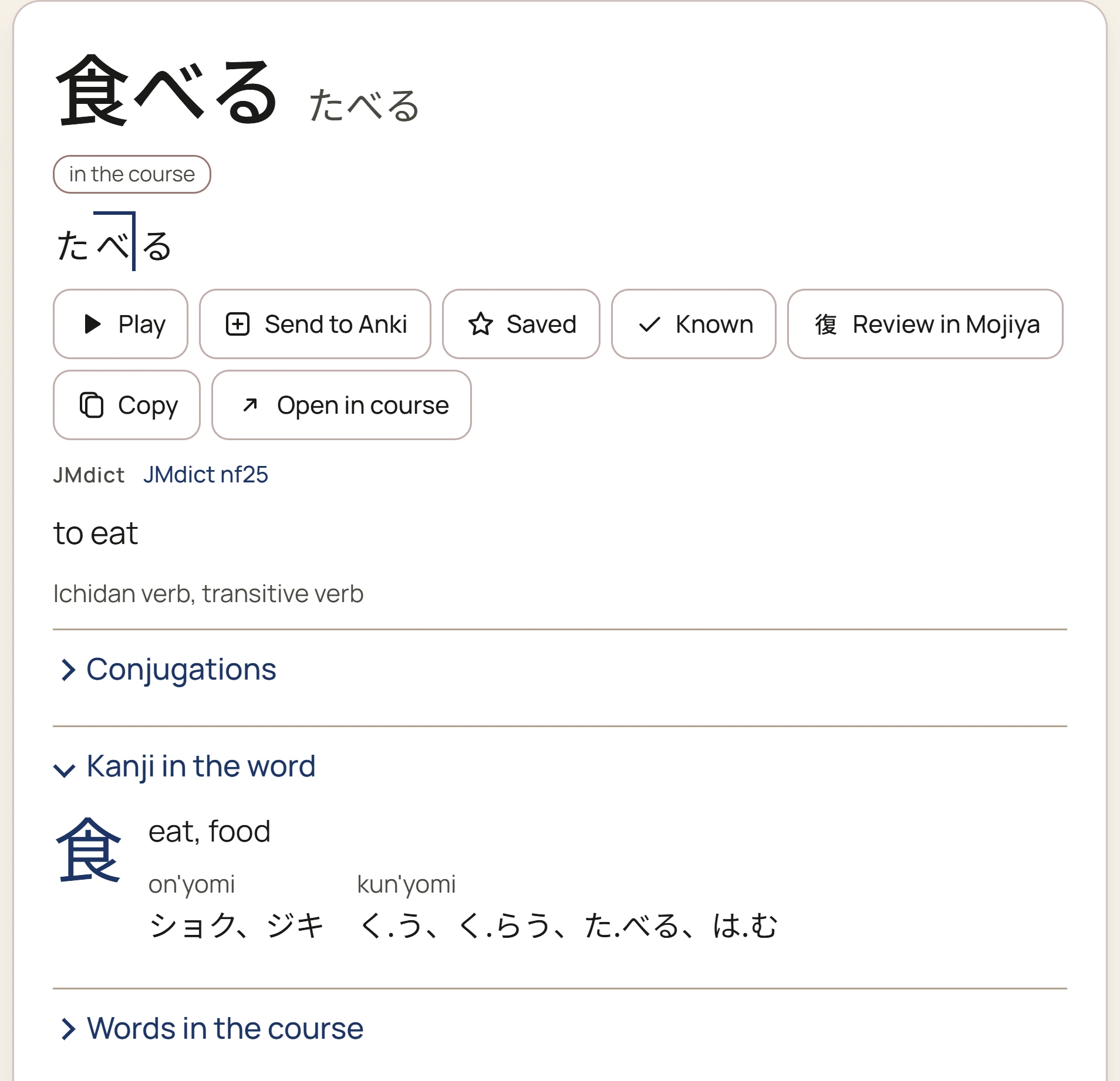
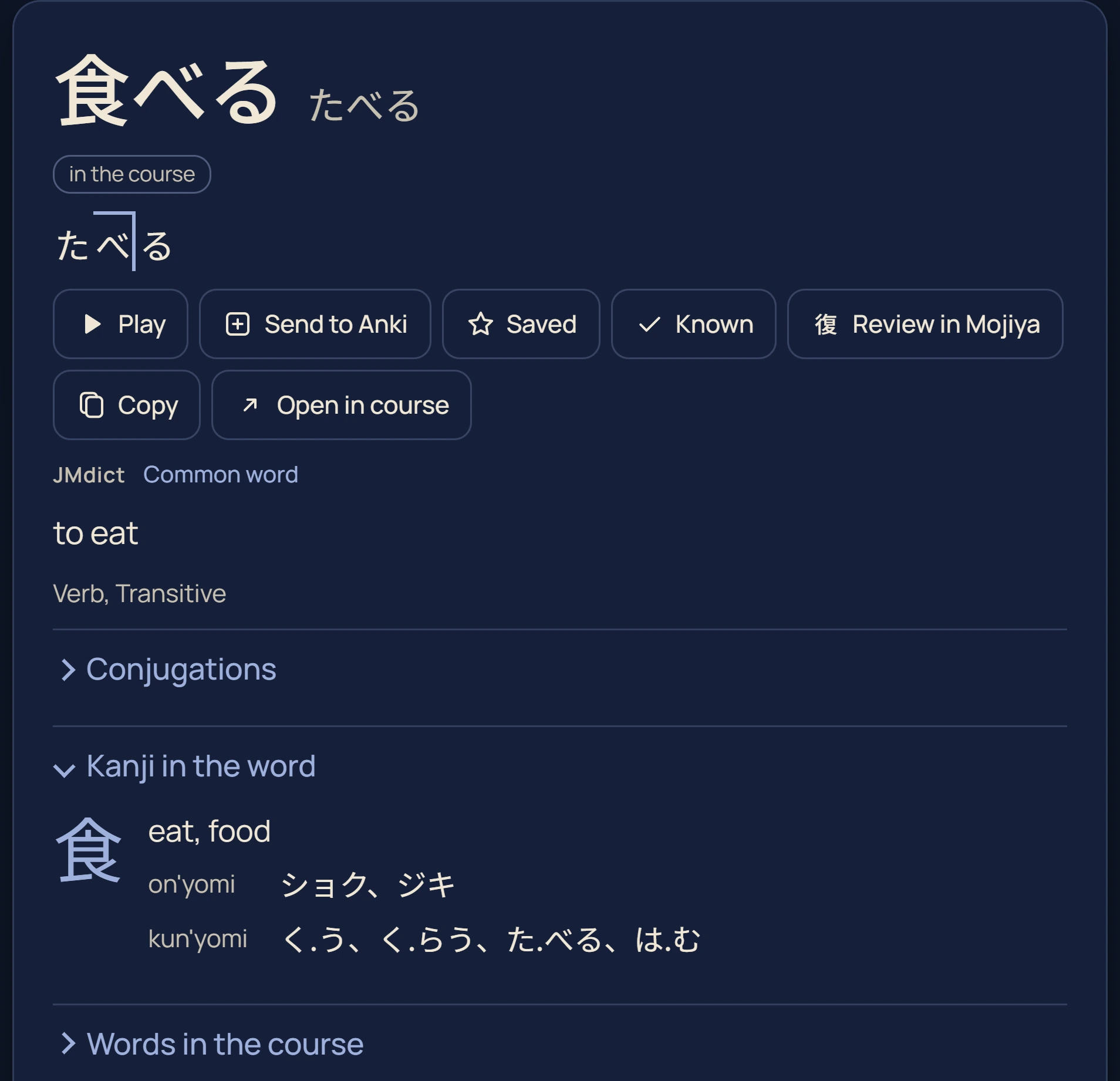
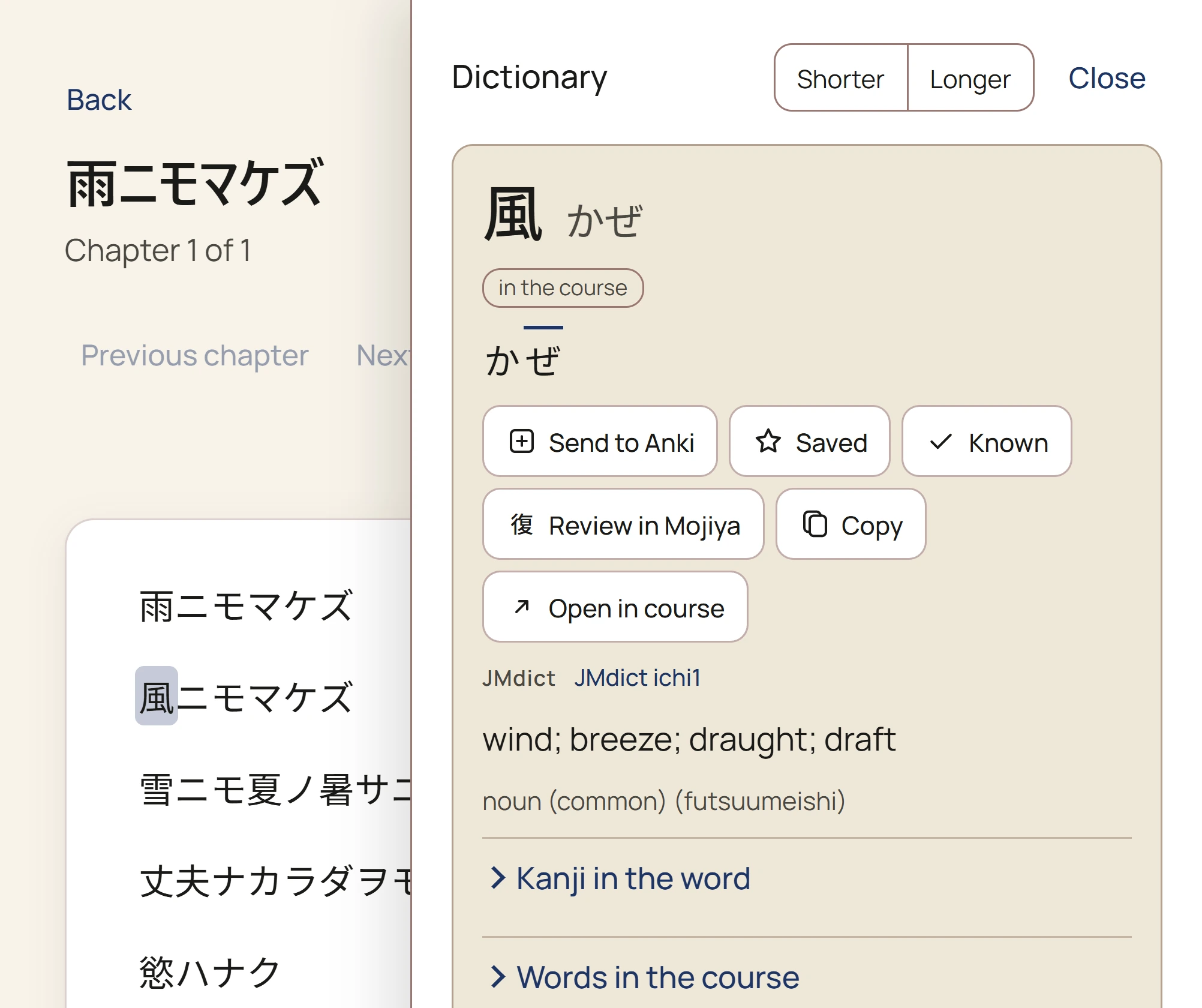
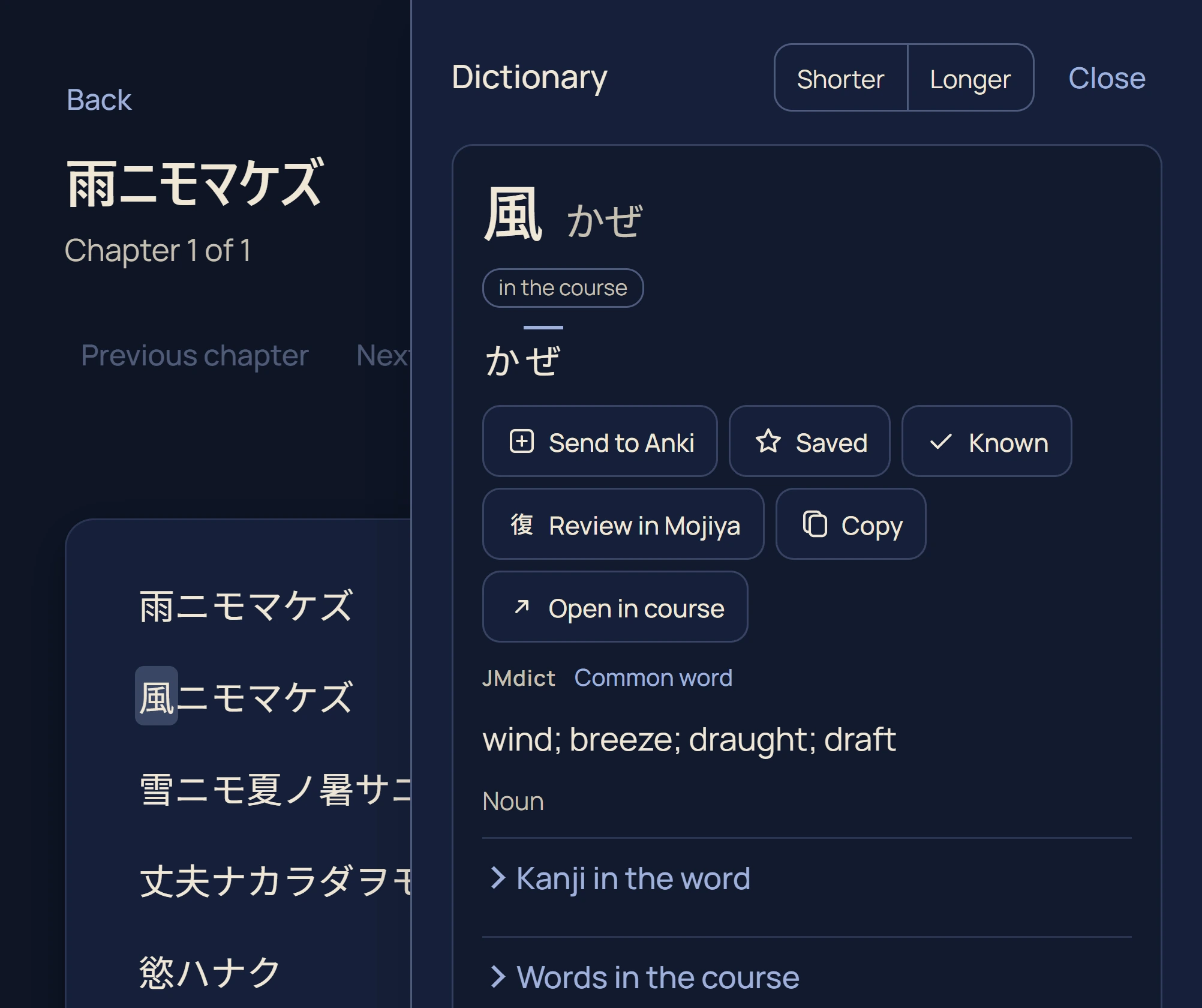
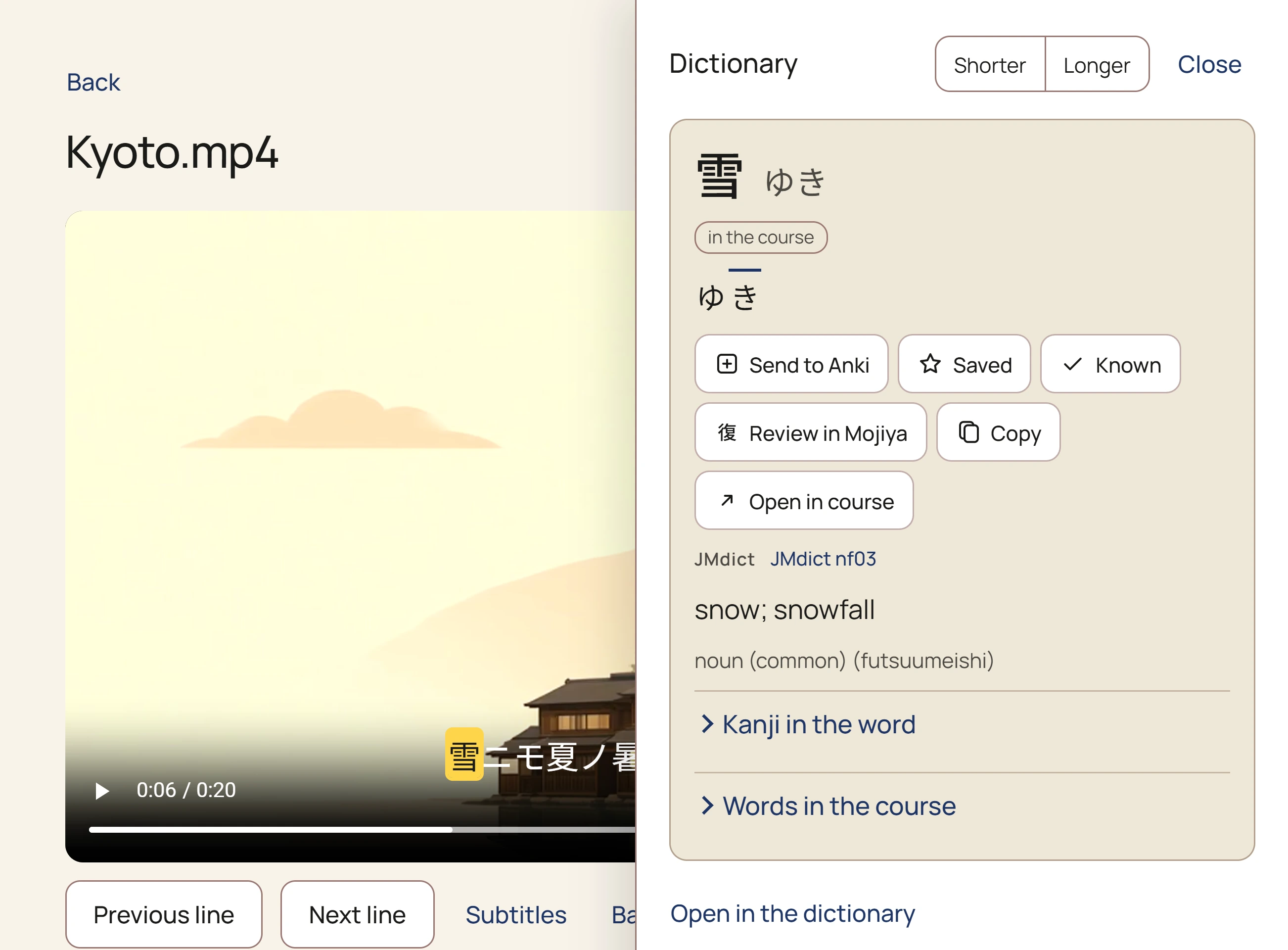
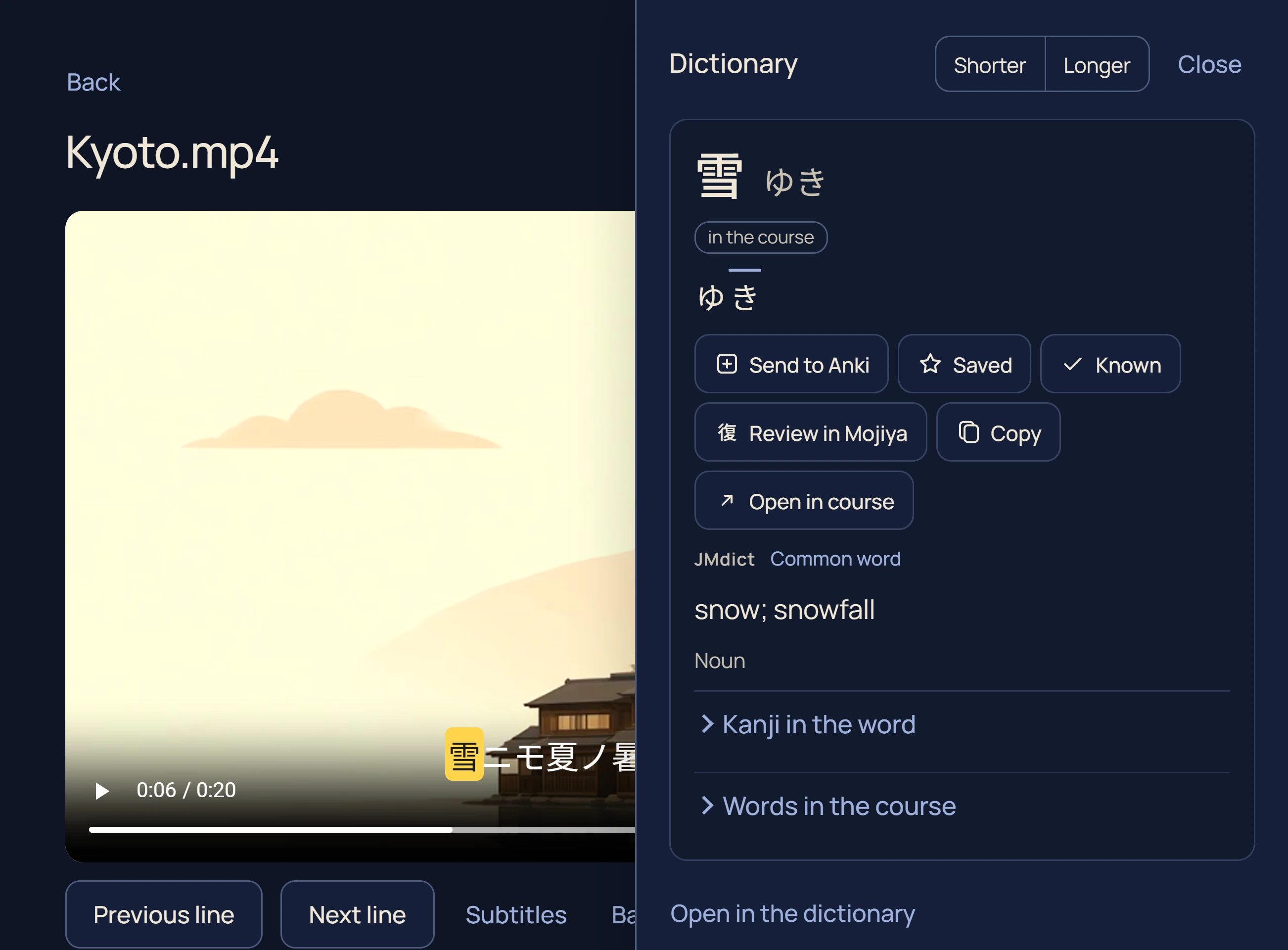
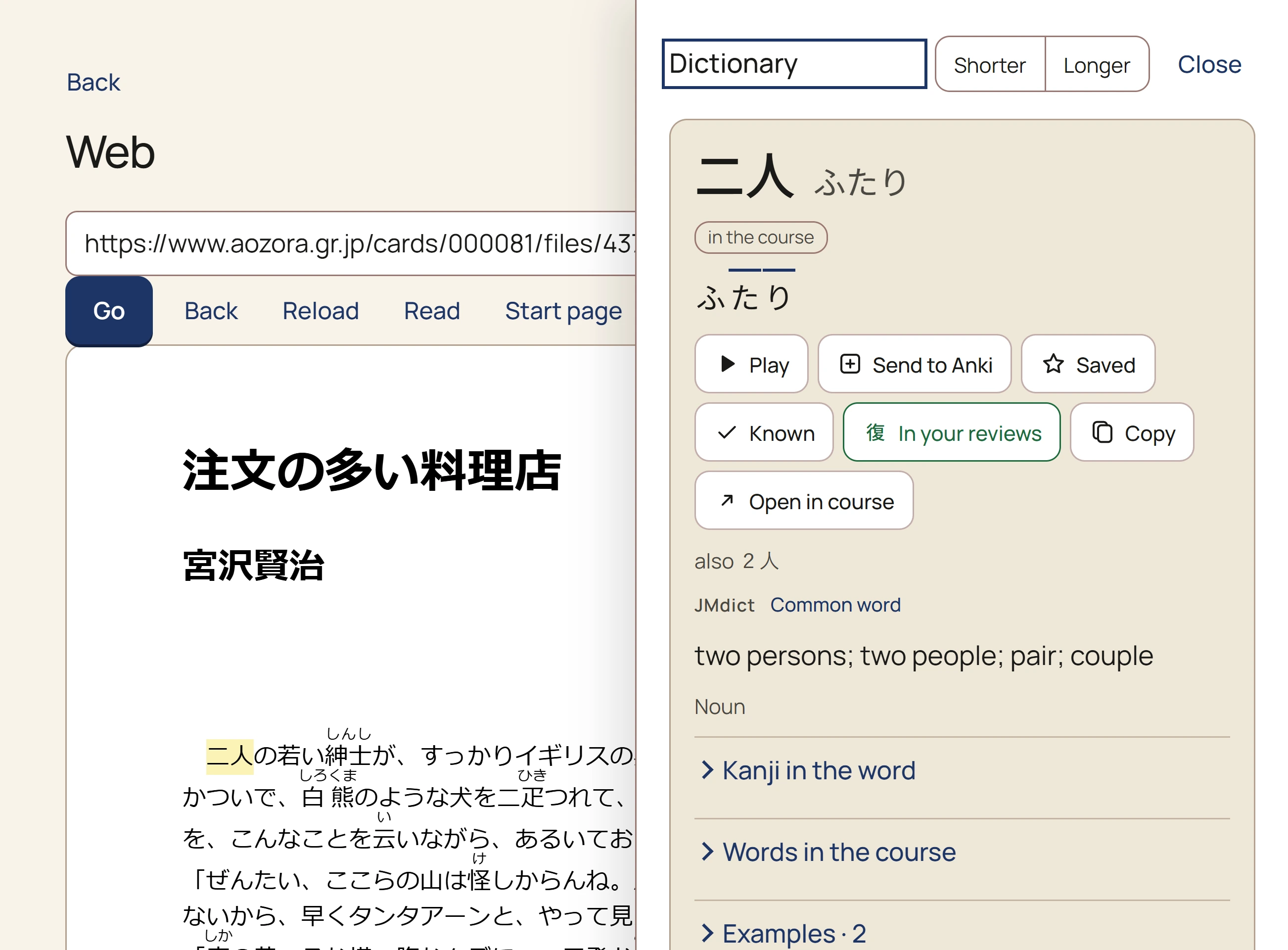
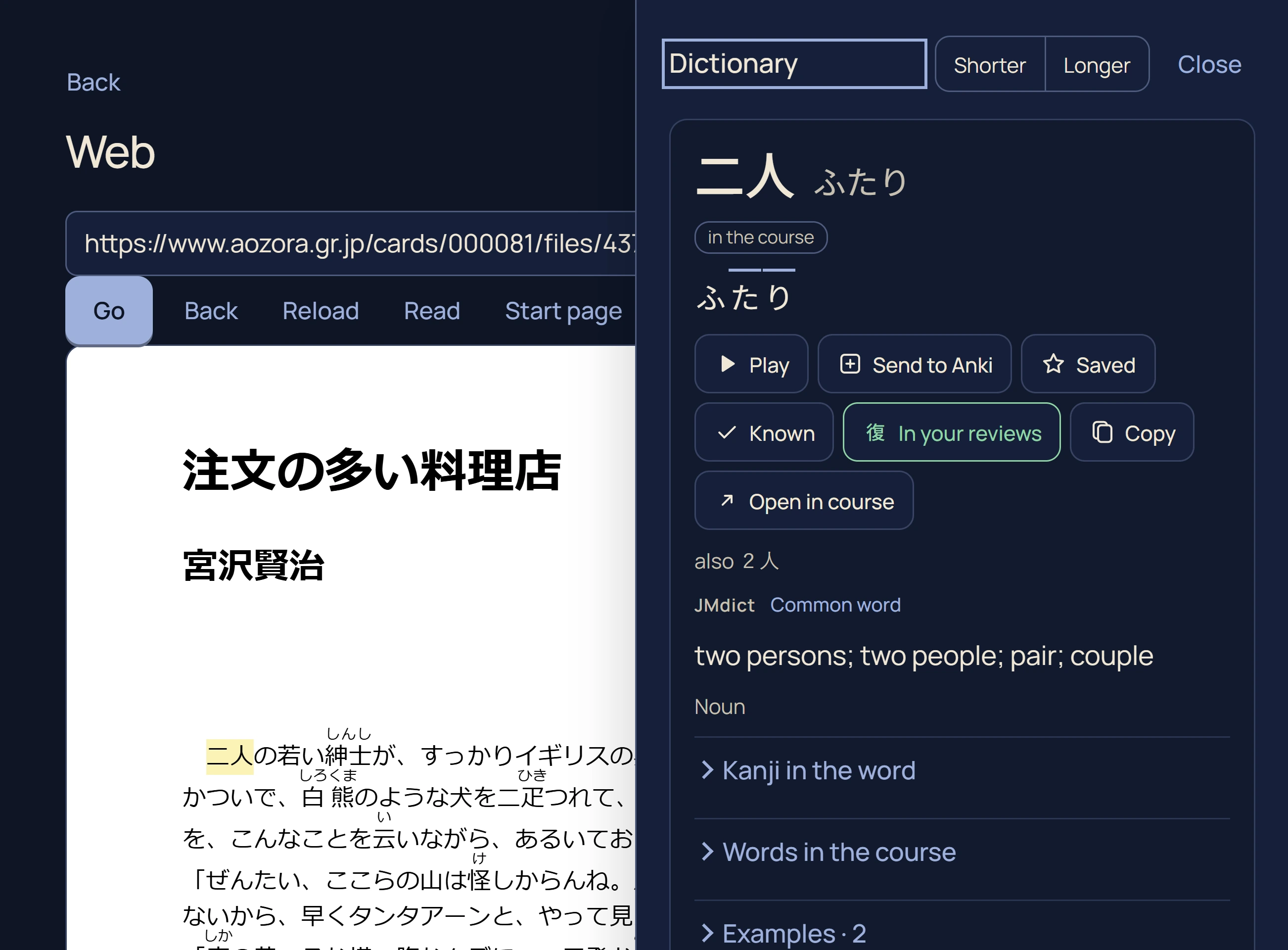
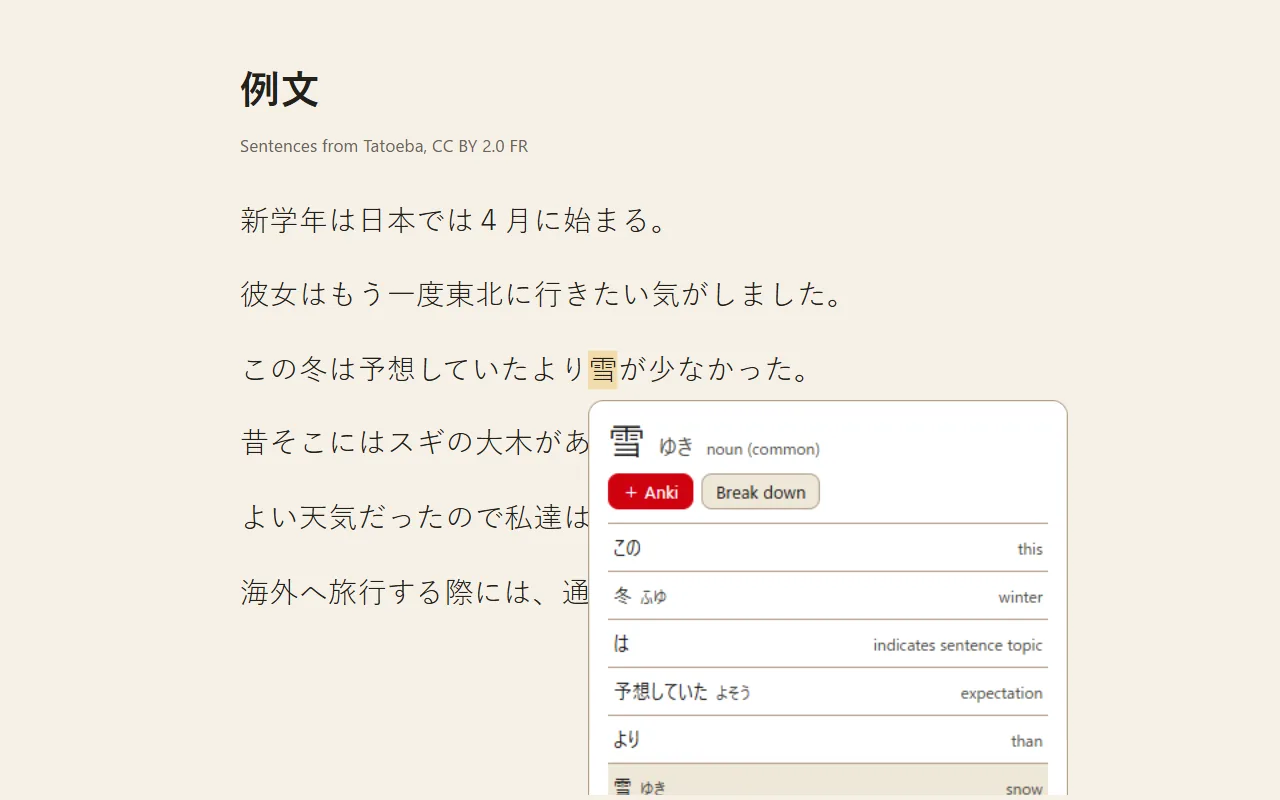
- The pop-up over a book, a video or a page shows a word's conjugation table, lets you lengthen or shorten the selection, and says when the word is already in Anki: through AnkiDroid on Android, AnkiConnect on the web, and for words sent from the app on iOS. Copy puts the word, its reading and its meaning on the clipboard, beside Star, Mark known, Review in Mojiya and, for a course word, Open in course, on all three platforms.
- Audio. Every word is voiced, in a female or a male voice. On Android and iOS the course’s words play with the course, and Settings → Dictionaries downloads Dictionary audio (22,928 common words and every course word), then All dictionary words (186,524 more). On the web they stream, or can be kept for offline.
- Saved and known words. Star a word to keep it. Mark words you know, by hand or from an Anki file. Words sent from the browser extension wait on the empty search, ready to study.
- A dictionary you can add to. JMdict and JMnedict’s names are built in. Any Yomitan dictionary you add is searched with them, in search and in every pop-up: each answer says which dictionary it came from, they come in the order you set, and any can be switched off or removed.
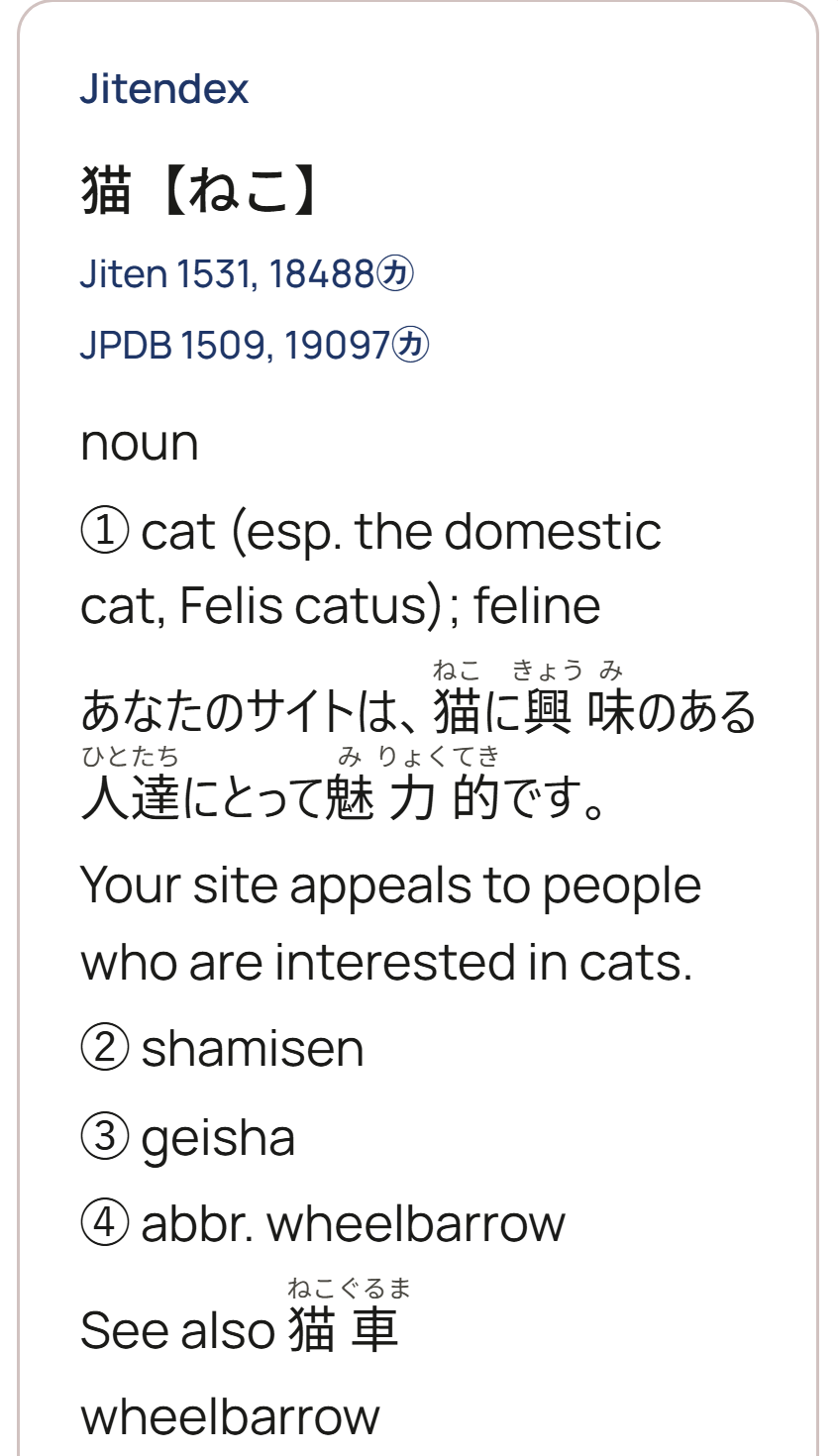
- One tap to add Jitendex, a fuller Japanese–English dictionary with example sentences, frequency ranks from JPDB and Jiten, or the full JMnedict of names. Or import any Yomitan file you have: term dictionaries and frequency lists, format versions 1 to 3.
- Open on the web. mojiya.app/dictionary is the app's own dictionary screen, with no sign-in.
Dictionaries you add Jitendex, Jiten and JPDB, each added with one tap, answering a search for ねこ.
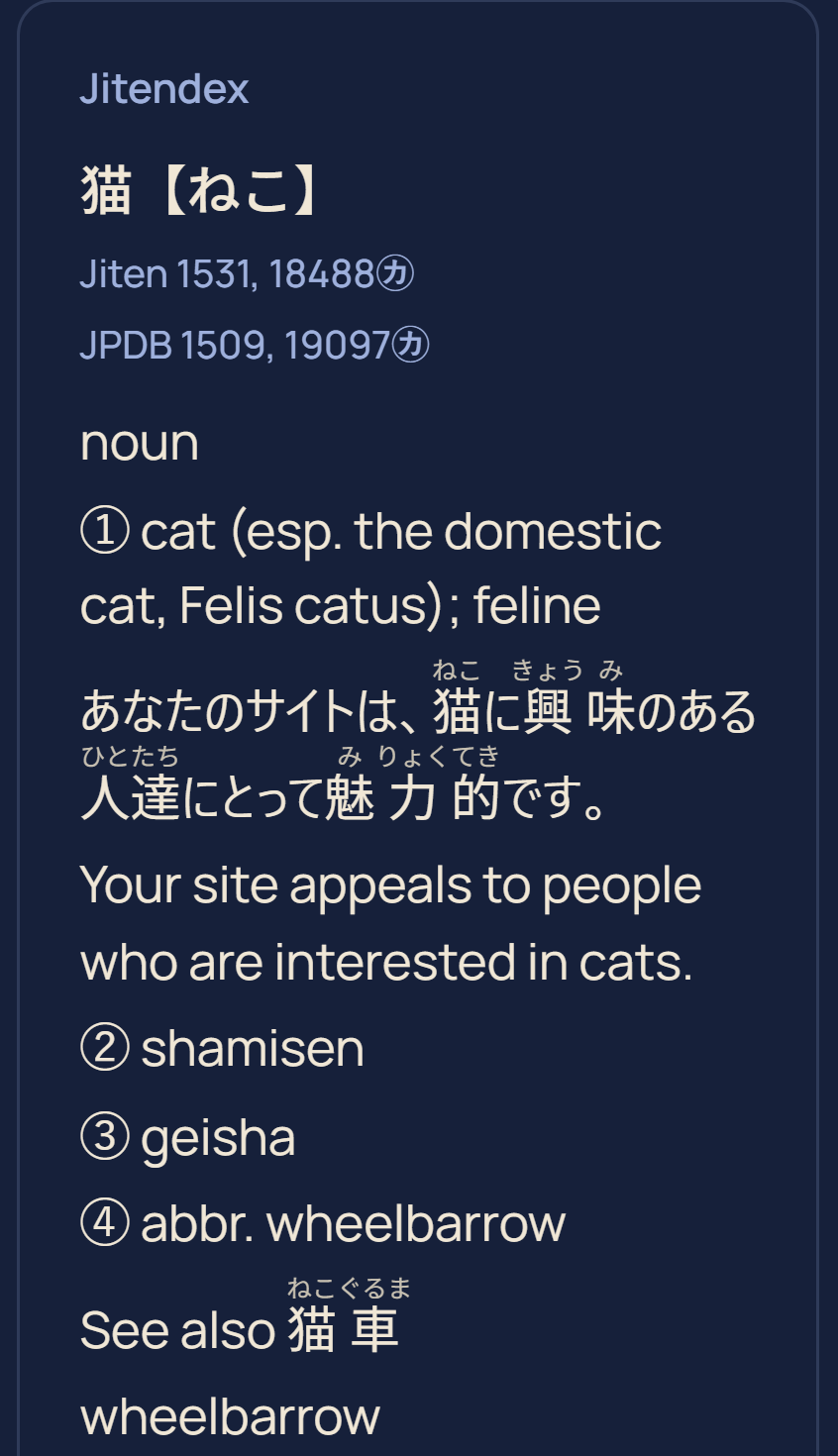
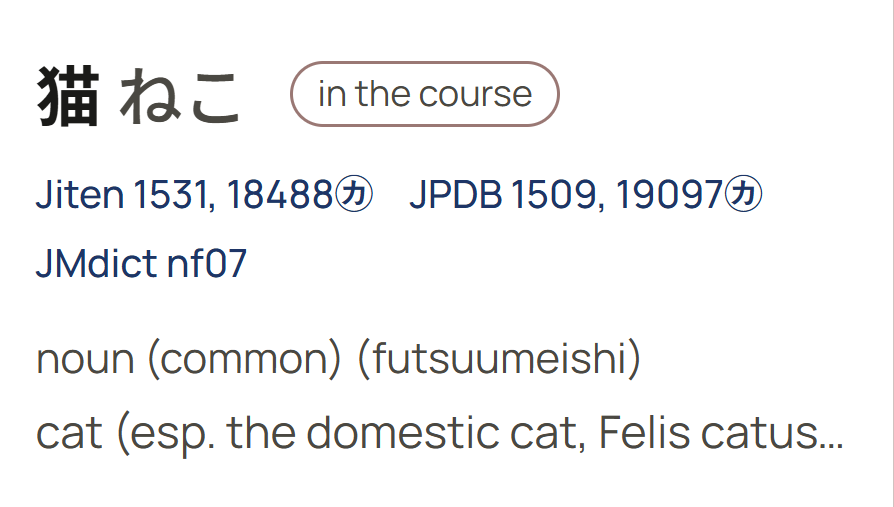
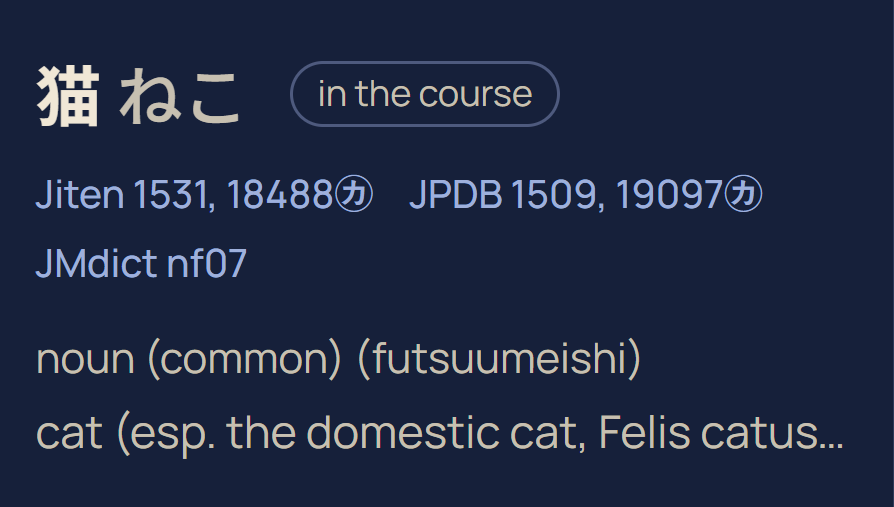
Labels JMdict’s own codes and frequency ranks, or plain words.
本Books and manga
- Open your own files. EPUB, PDF, a ZIP or RAR of manga pages (CBZ and CBR too), or a folder of JPG, PNG or WebP pages. An archive holding several volume folders, or a volume archive inside another, opens as one book per volume. Your files stay on your device.
- Tap a word to look it up where it stands. Japanese prose has no spaces, so the tap is turned into the longest word the dictionary knows at that point.
- Picture pages. In a manga or a scanned PDF the page is read by on-device text recognition, so a word in a speech bubble can be tapped too.
- A book's own furigana always, only over words with a kanji the course has not taught you, or never. Read in vertical text, and mark the kanji you have studied on the page.
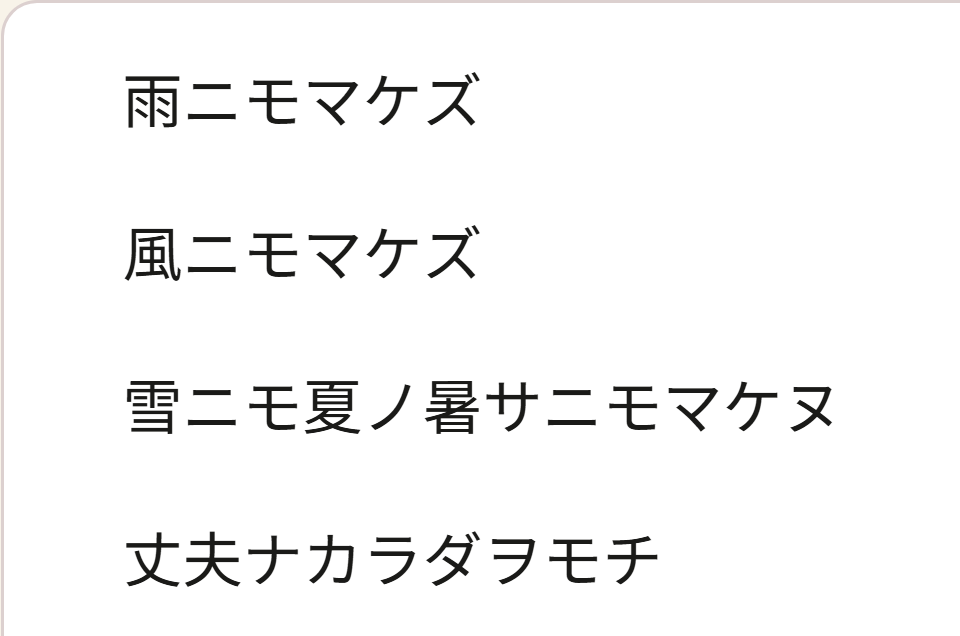
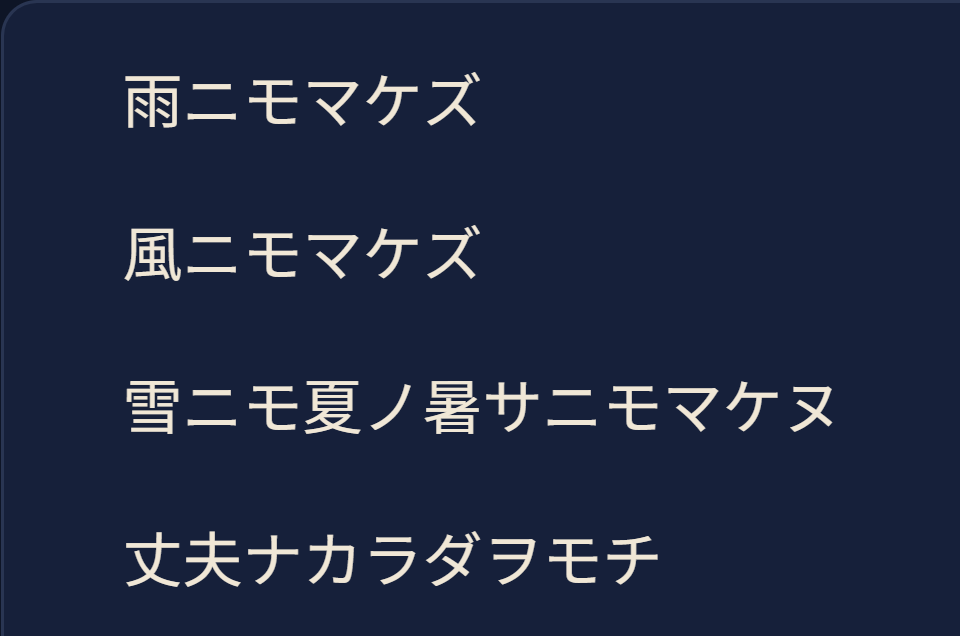
- Set the page your way. Text size, line spacing, margins, paragraph spacing and indent, the typeface, a page colour (the app's own, sepia or night), and page turns by swipe or one continuous scroll. A manga can scroll top to bottom, turn right to left, or show two pages side by side on a wide screen, on the web as well.
- Your place is kept in every book, with how far through you are, and in every video.
- Library backup. Copy your books, subtitle files and videos into a folder you choose, and bring them back from it on a new device. On the web, folder backup works in Chrome and Edge; other browsers save one backup file.
- Read aloud with the device's voice, at half to double speed.
- Read along with an audiobook. An EPUB with its own media overlay plays in sync. For any other text book, give it the audio and the app aligns the two on the device, or times them from SRT files, then highlights each sentence as it is read.
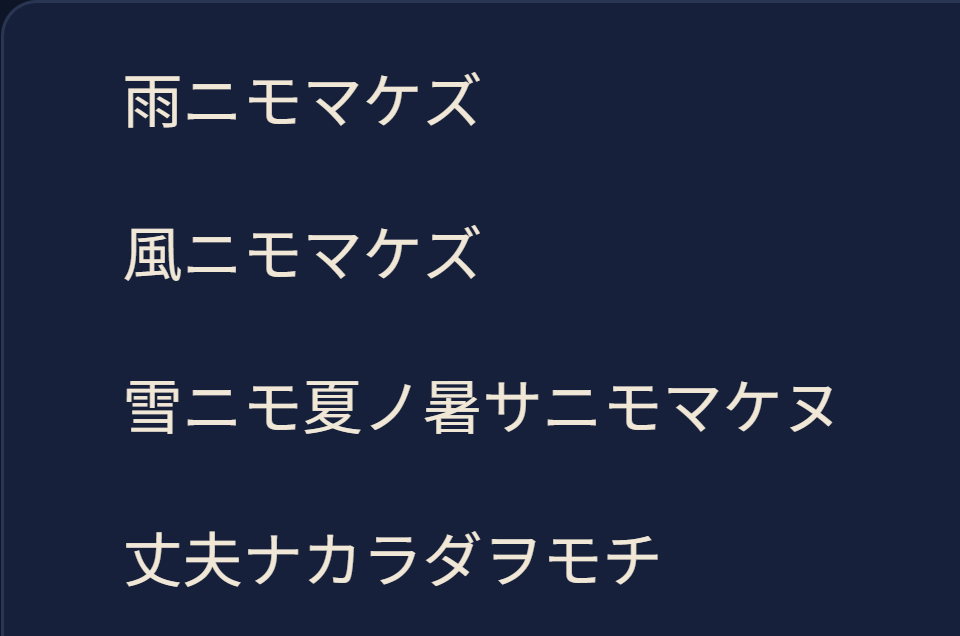
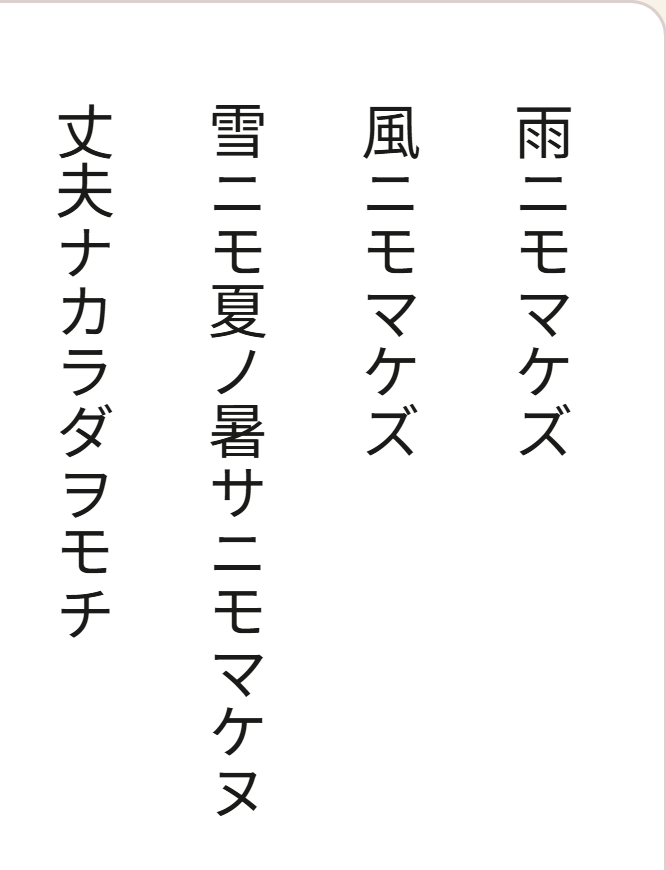
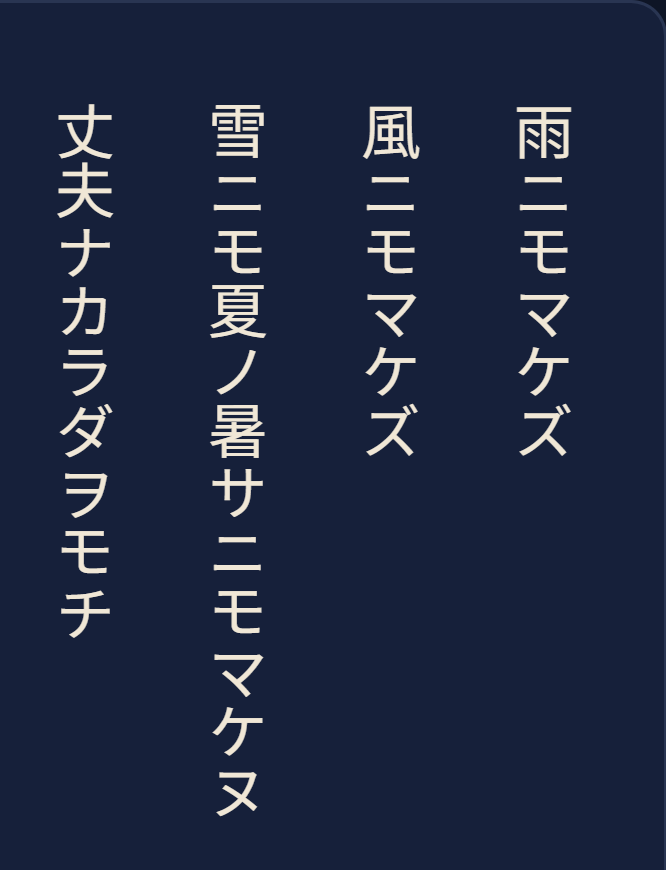
Page colour The app’s own, sepia or night.
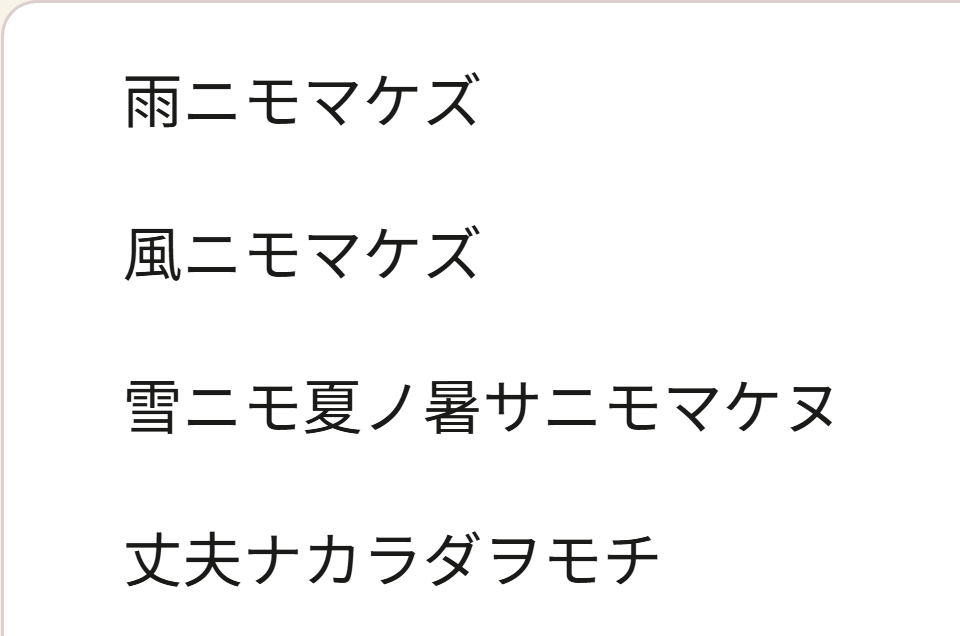
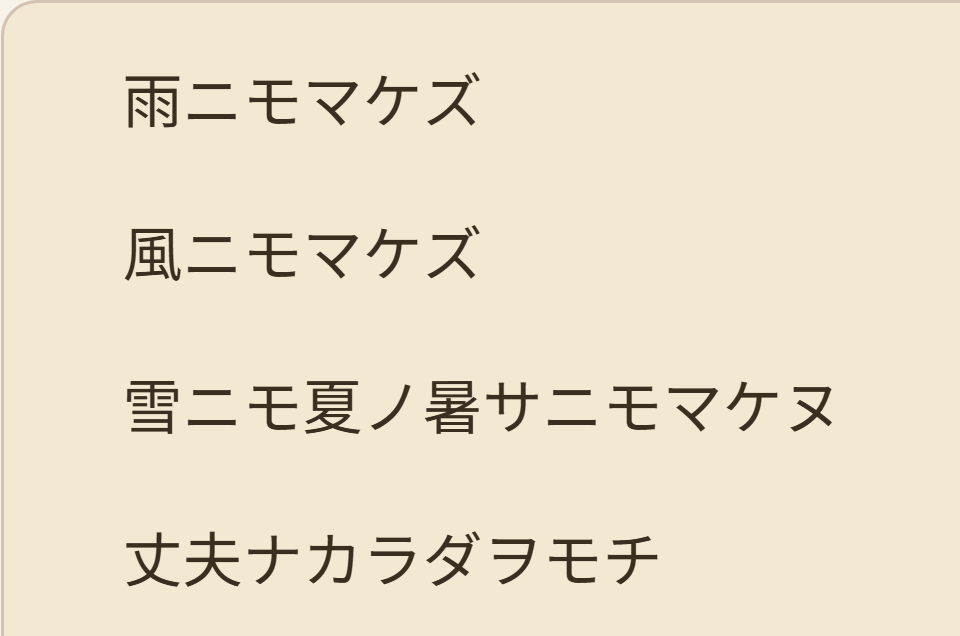
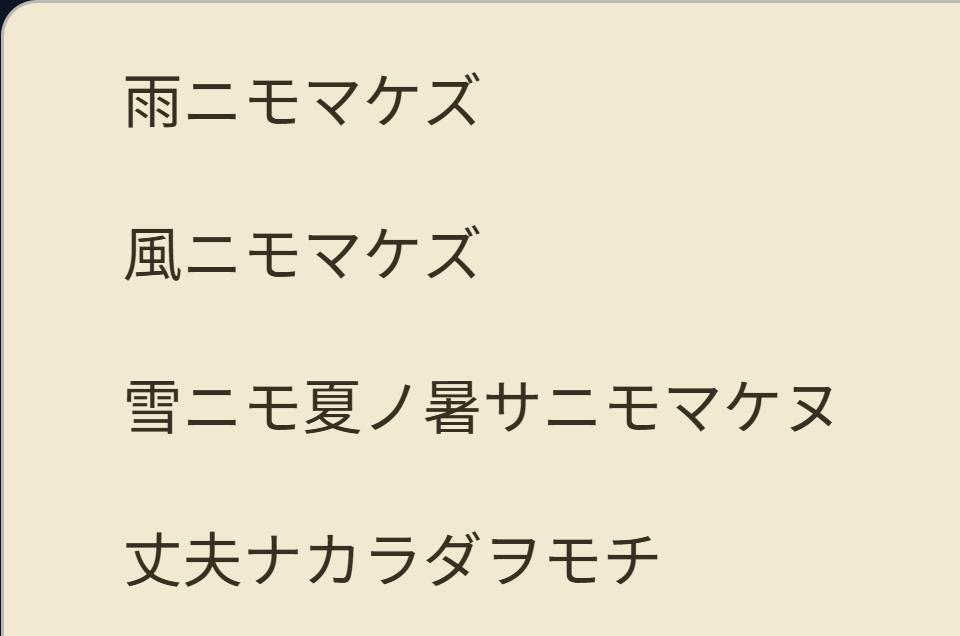
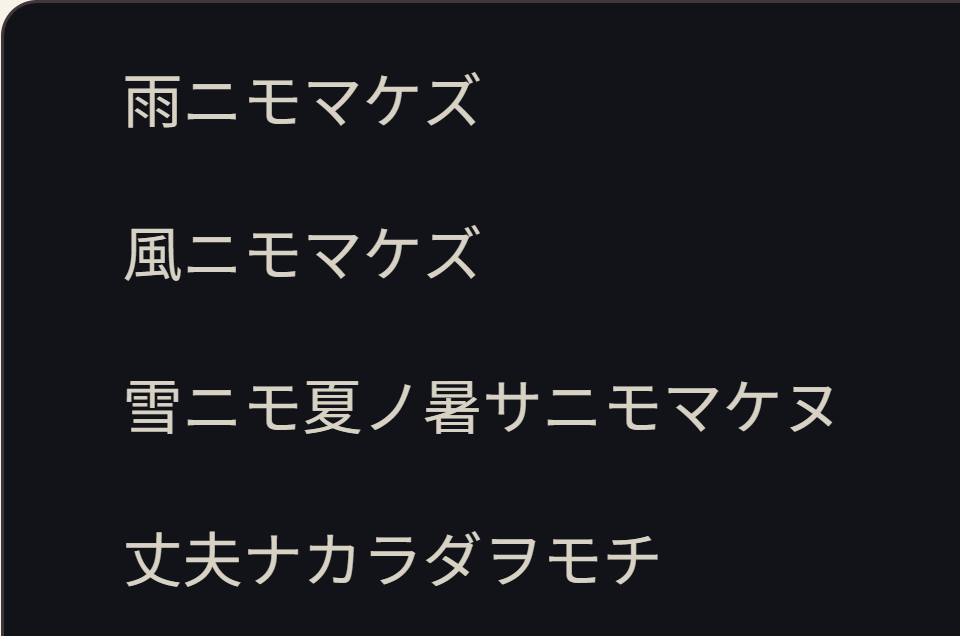
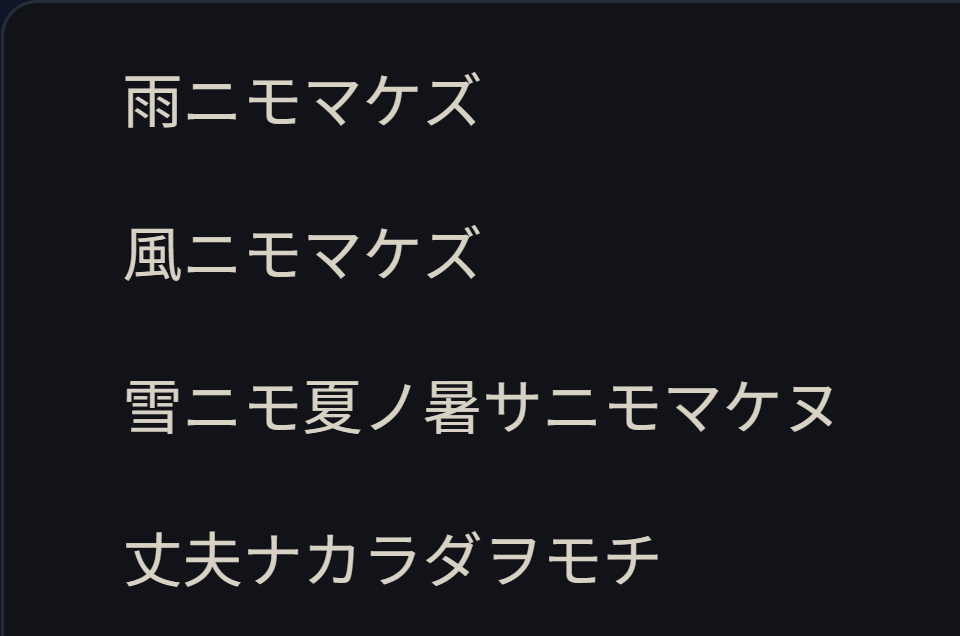
Reader typefaces Ten typefaces besides the default, with text size, line spacing, margins and paragraph spacing to match.
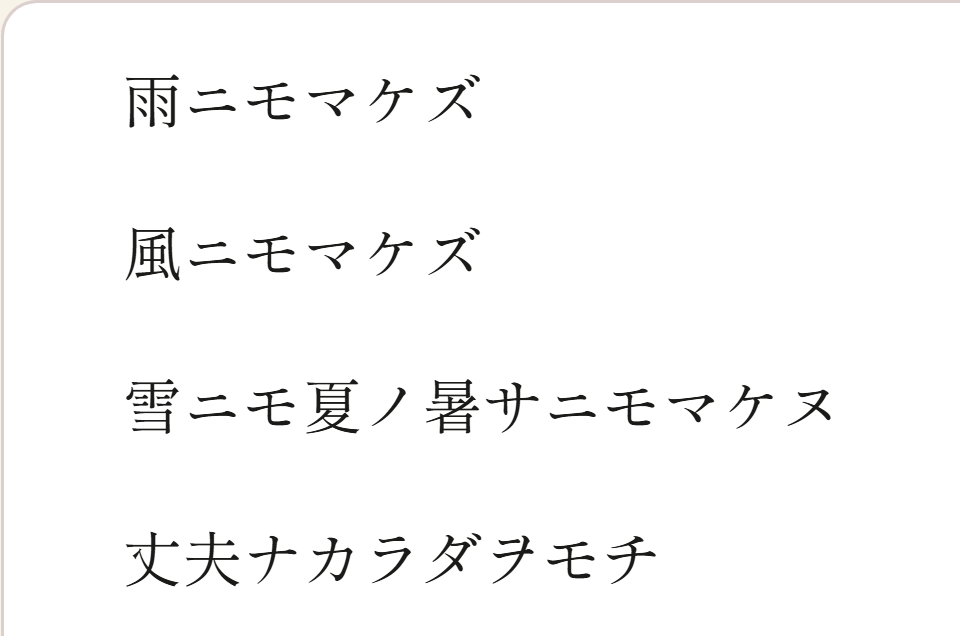
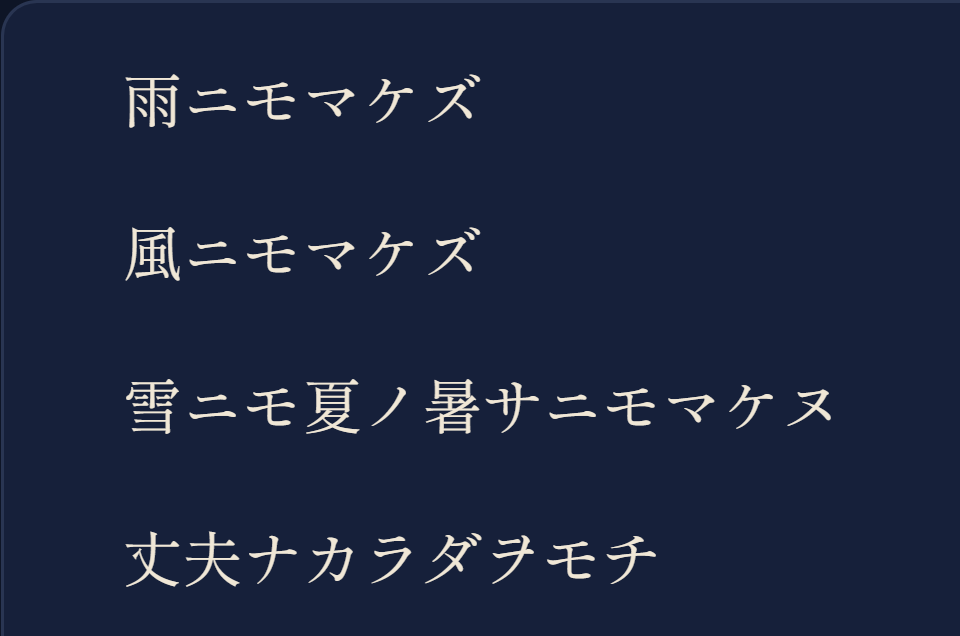
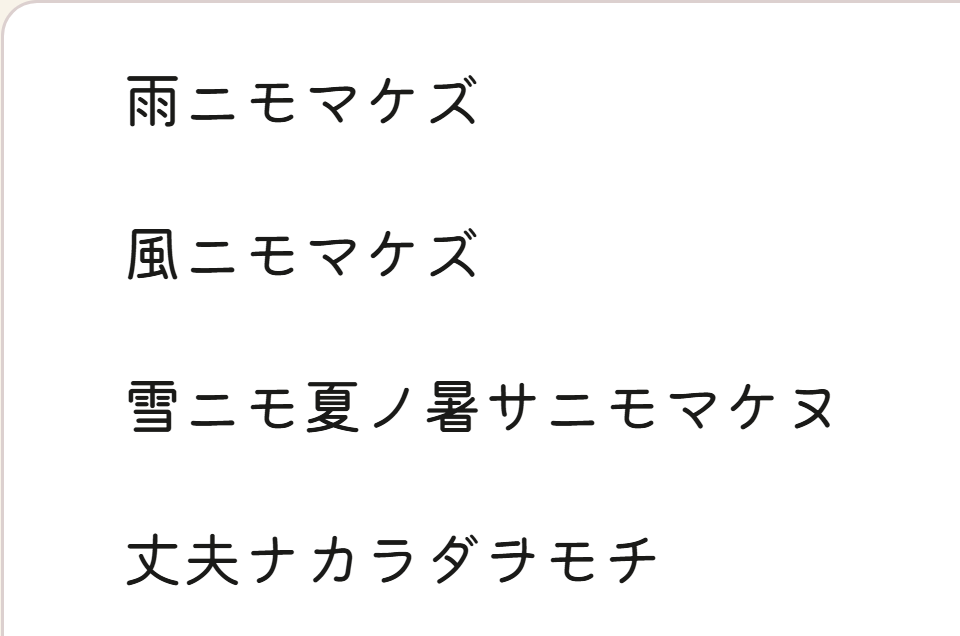
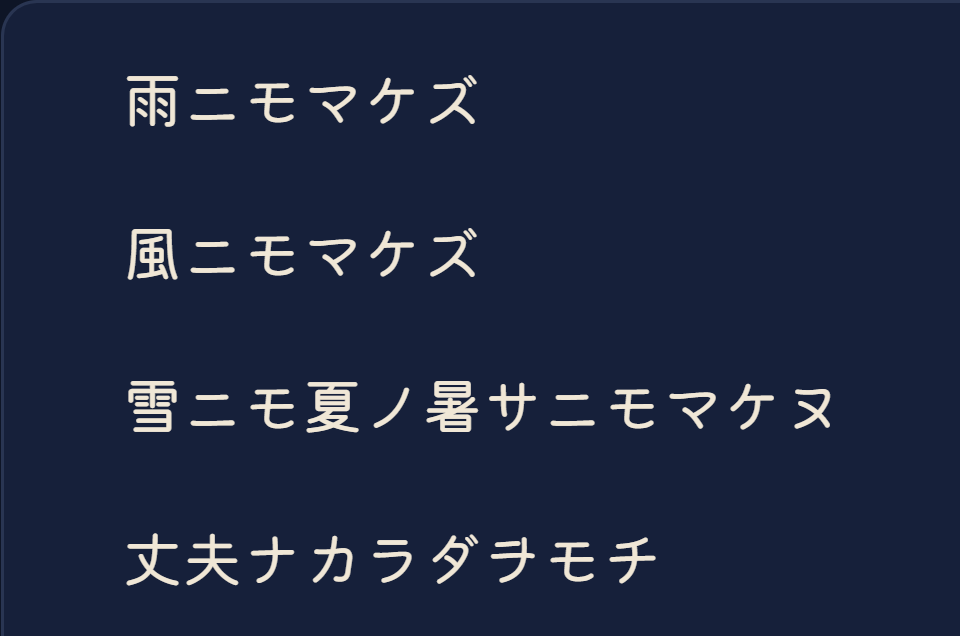
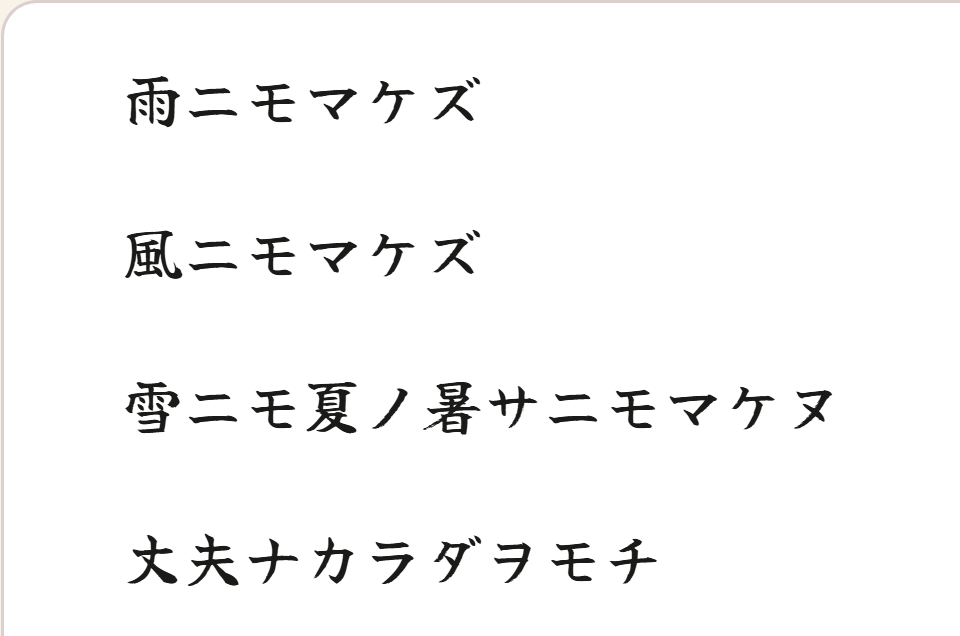
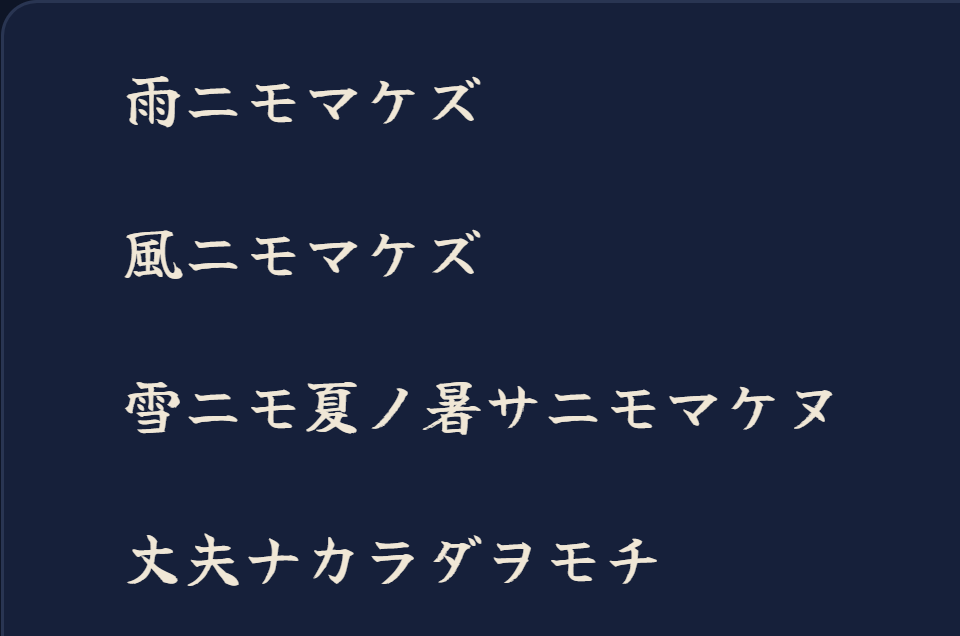
Direction Left to right, top to bottom, or as the book itself asks.
観Video with subtitles
- Play your own video with its subtitle file: SRT, VTT, ASS or SSA.
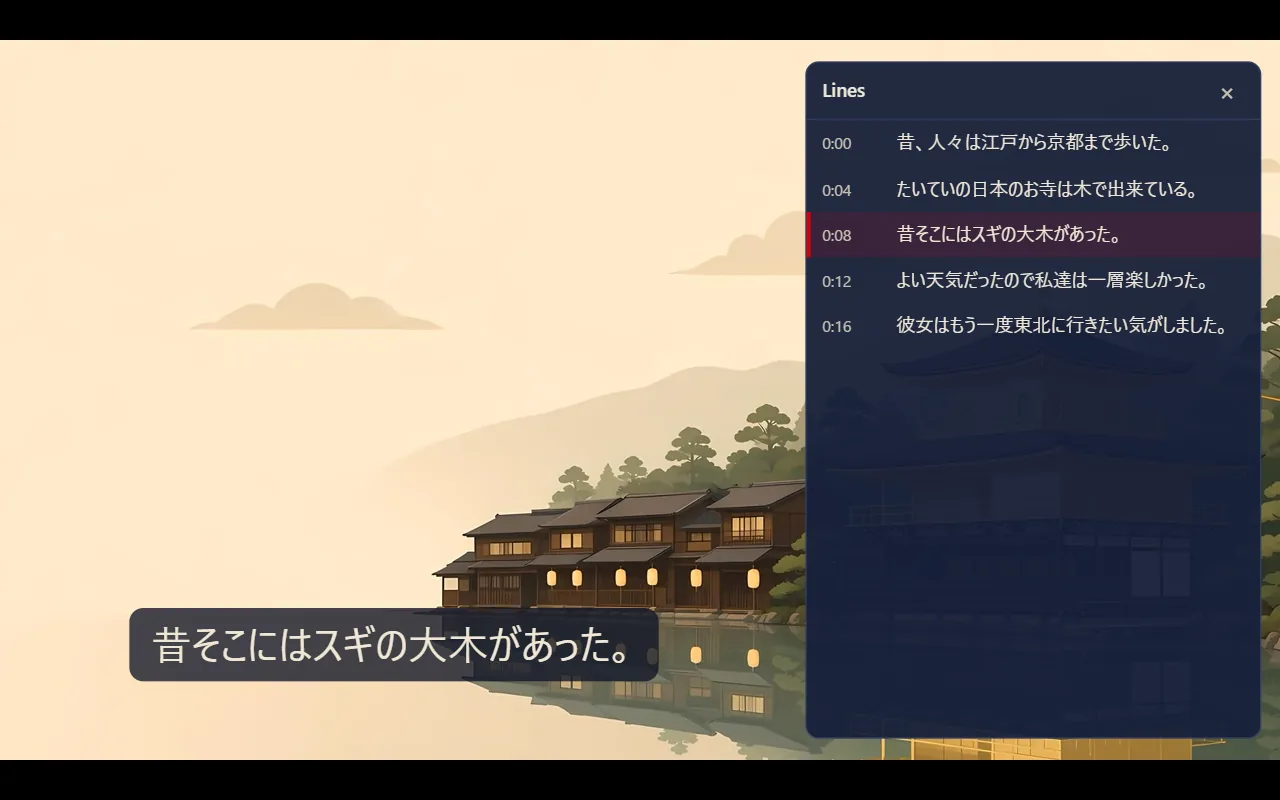
- Line by line. Go back a line, replay it, go on, or pause at the end of every line. Open the transcript and tap a line to play from it.
- Ways to watch. Skip the gaps between lines, hide the line to listen first and see it when you seek back, or slow playback to 0.75×. Subtitles can stay blurred until you tap them.
- Subtitles that fit. Shift their timing if they drift, change their size, choose their colour, give them an outline or a dimmed box, and add a second subtitle file in your own language, shown when you pause. Text subtitle tracks inside an MKV or MP4 can be chosen too, on every platform; on iOS an MKV’s own subtitles are shown but cannot be tapped, so add the subtitle file to tap them. A film with more than one audio track lets you pick the language on Android and iOS.
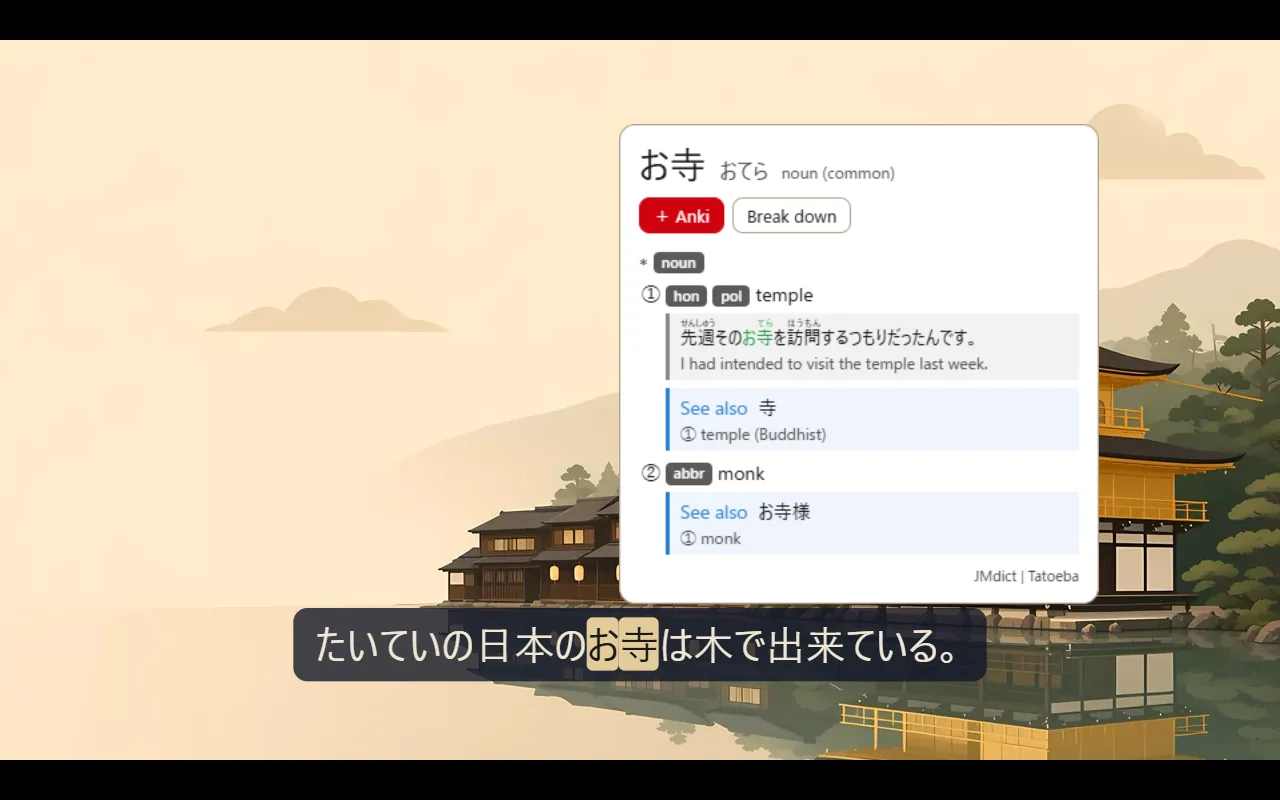
- Tap a word in the line to pause and look it up, then send it to Anki. The card also gets a picture of the scene and the line's audio: through AnkiDroid on Android, through AnkiConnect or in a deck file on the web, and in a deck file with Mojiya’s note type on iOS, for a video iOS plays itself.
- Live TV. A door of its own: the 24-hour news streams of TV Asahi, Nippon TV and TBS, in YouTube's player. They come with no captions, so they are for listening.
映YouTube, as text
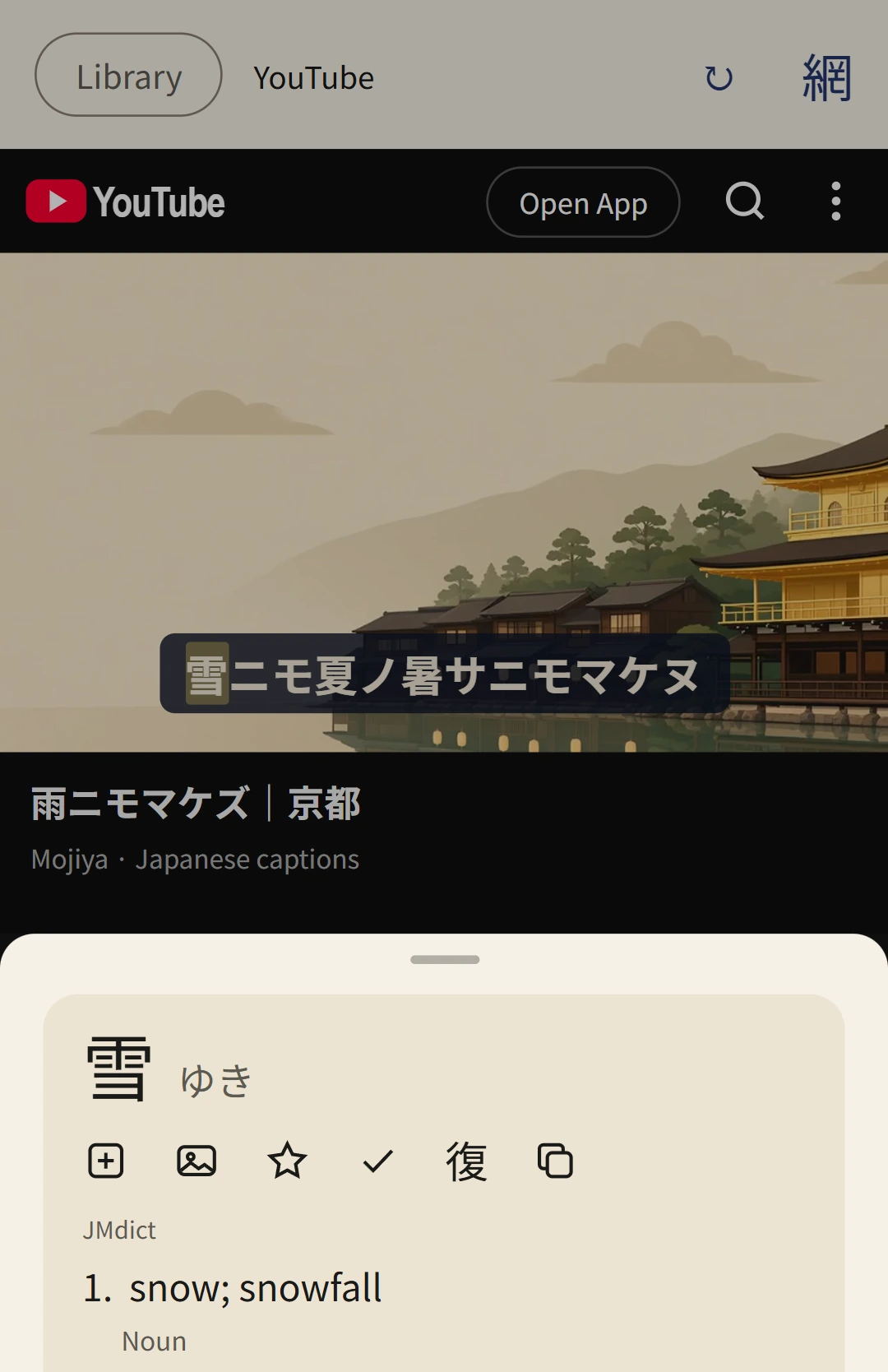
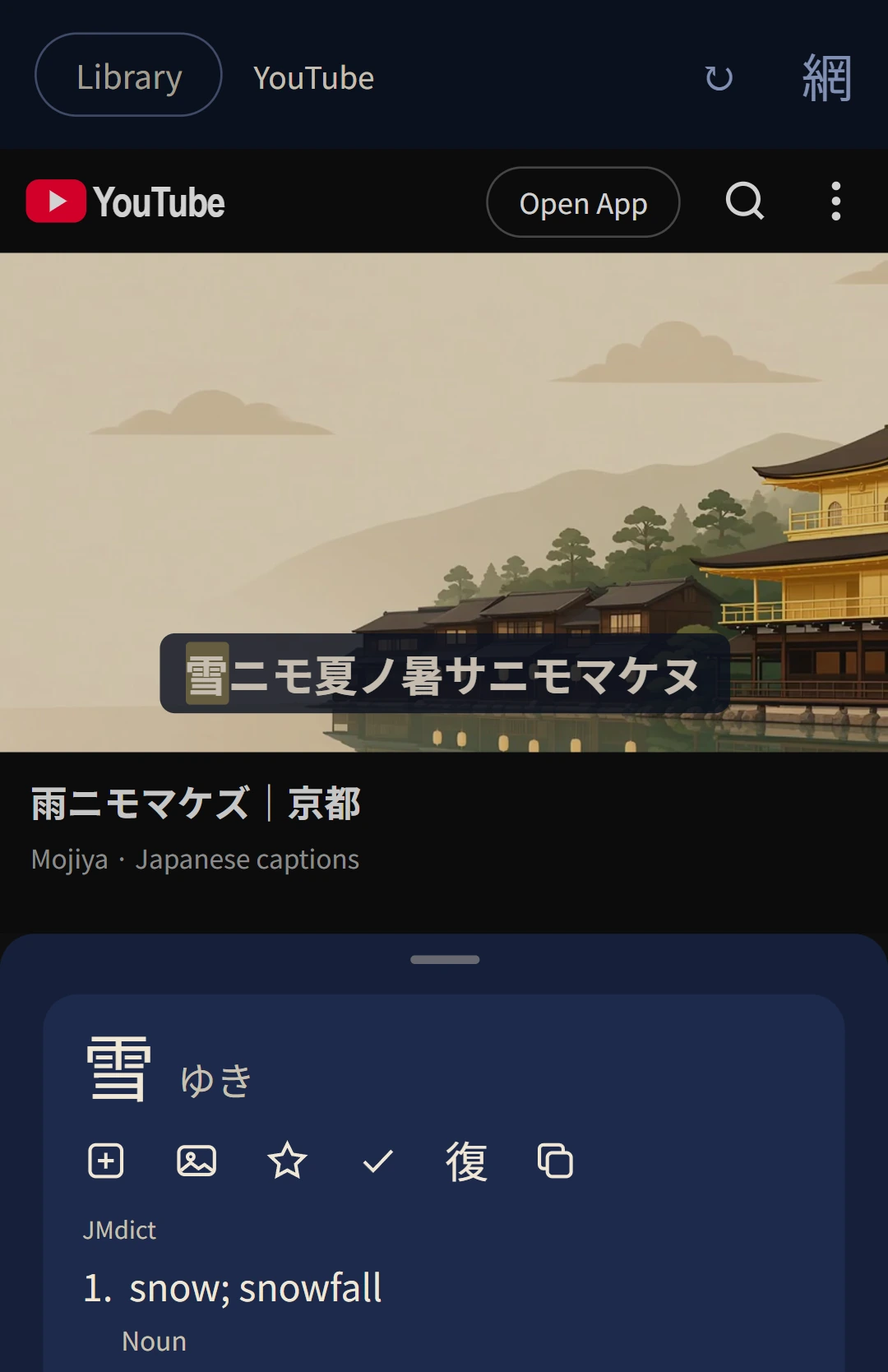
- A YouTube door in the Library on Android and iOS. Watch on YouTube's own page. When a video has Japanese captions, they are drawn as a line of text you can read.
- Tap a word in the line to pause and look it up, or send it to Anki.
- A row under the video: previous line, replay, next line, pause at each line, the transcript, hide the line, and the English line where the video has one.
- Human captions first. A video's own Japanese track is preferred over YouTube's automatic one, and machine translations are never used.
- On a computer, the browser extension does the same on youtube.com. The website has no YouTube door: YouTube's pages do not open inside another site.
網Any website
- A browser in the Library, with an address field, bookmarks and recent pages, and starter sites by level, from NHK News Web Easy to Aozora Bunko. A web address shared to the app opens here too.
- Hold a word on any website (click it, on the web) to look it up or send it to Anki.
- Read opens the page's article in the book reader, with its settings and any furigana the page has.
- On the web, pages are fetched for you and shown without their scripts, so you can tap words in them. A page whose text is drawn by scripts is shown as the site serves it, and its words cannot be tapped.
選Look up from other apps
- Select text in any app and choose "Look up in Mojiya": from the selection menu on Android, from Share on iOS. The dictionary opens over the app you were in.
- A longer selection is shown as a card, and you tap it word by word.
- Share text to Mojiya to look it up, on Android, on iOS and to the web app installed from Chrome on Android.
- On the web, the browser extension looks words up on any page.
札Anki
- Any word, sentence or kanji can go to Anki: from the dictionary, a lesson, a book, a video, YouTube or a web page.
- A complete card. The reading, meanings, JMdict's example sentences and the sentence it was found in. From a video, a picture of the scene and the line's audio too (on iOS, in a deck file with Mojiya’s note type). A word with no media can get a picture you pick and a voice: the dictionary’s own recording where it has one and, on Android and iOS, the device’s voice where it has none.
- On Android, one tap sends a card straight to AnkiDroid, into the deck and note type you choose: Mojiya's or your own (Lapis and Kiku work). It marks words already in AnkiDroid and reads your known words from it. Without AnkiDroid they are saved as a deck. On iOS, one tap sends a card to AnkiMobile, into the deck and note type you choose. With your own note type it sends the text; with Mojiya’s, a card with audio or a picture goes into a deck file (.apkg) instead, and so does every card until AnkiMobile has that note type. On the web, one tap sends them into Anki on your computer through AnkiConnect, with the same choice of deck and note type, marks words already in Anki and reads your known words from the collection; a deck file (.apkg) is there too. In the extension, on a computer, they go to Anki through AnkiConnect.
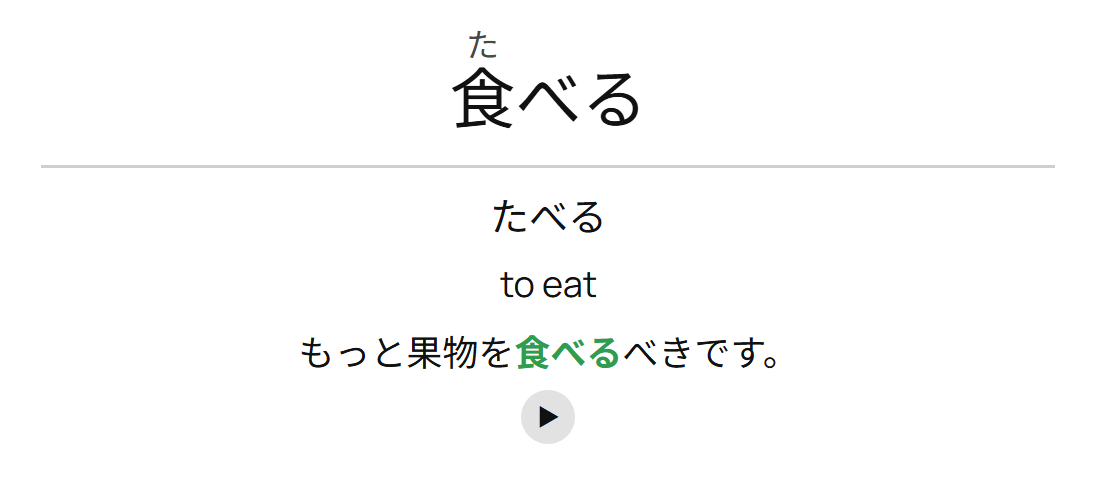
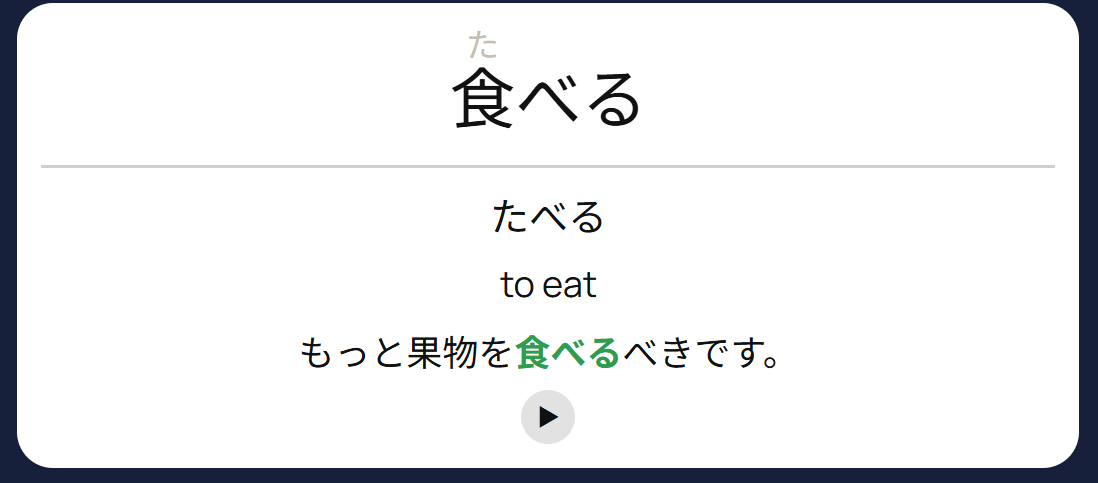
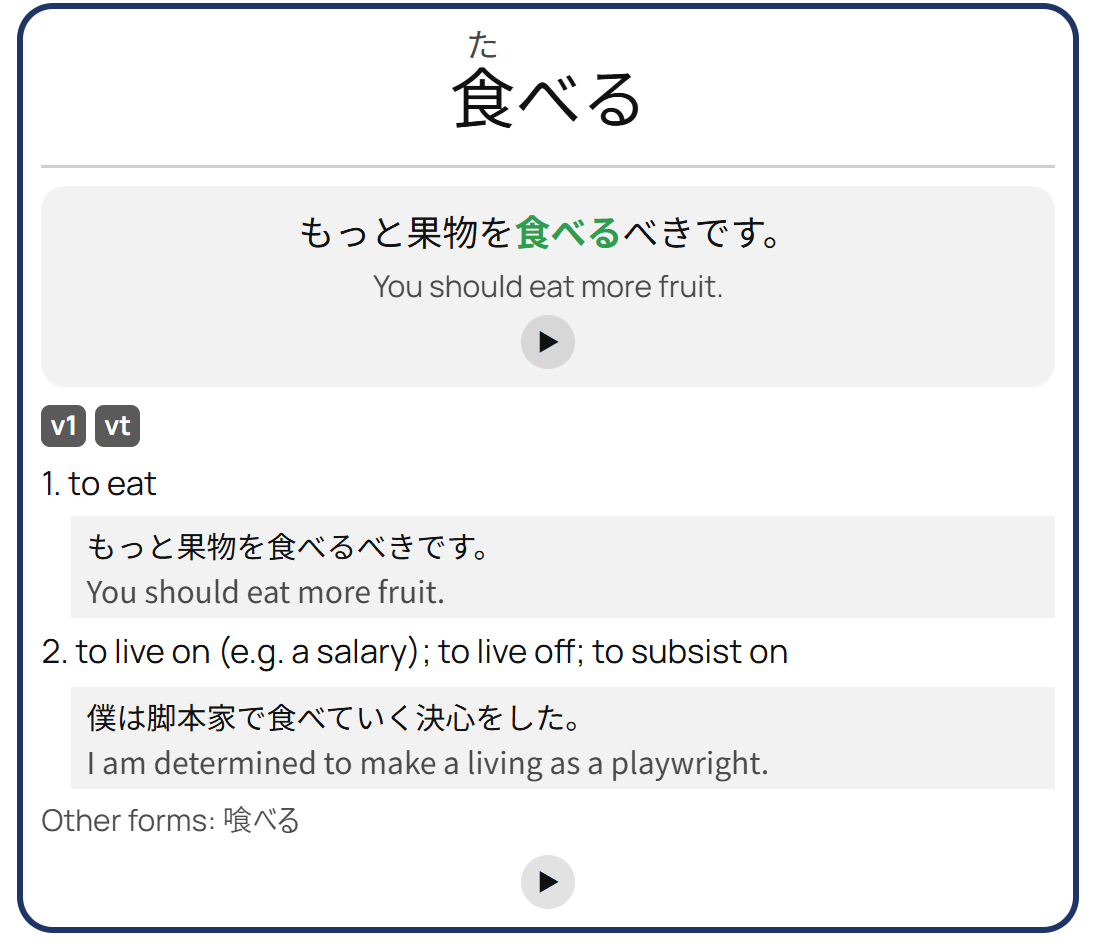
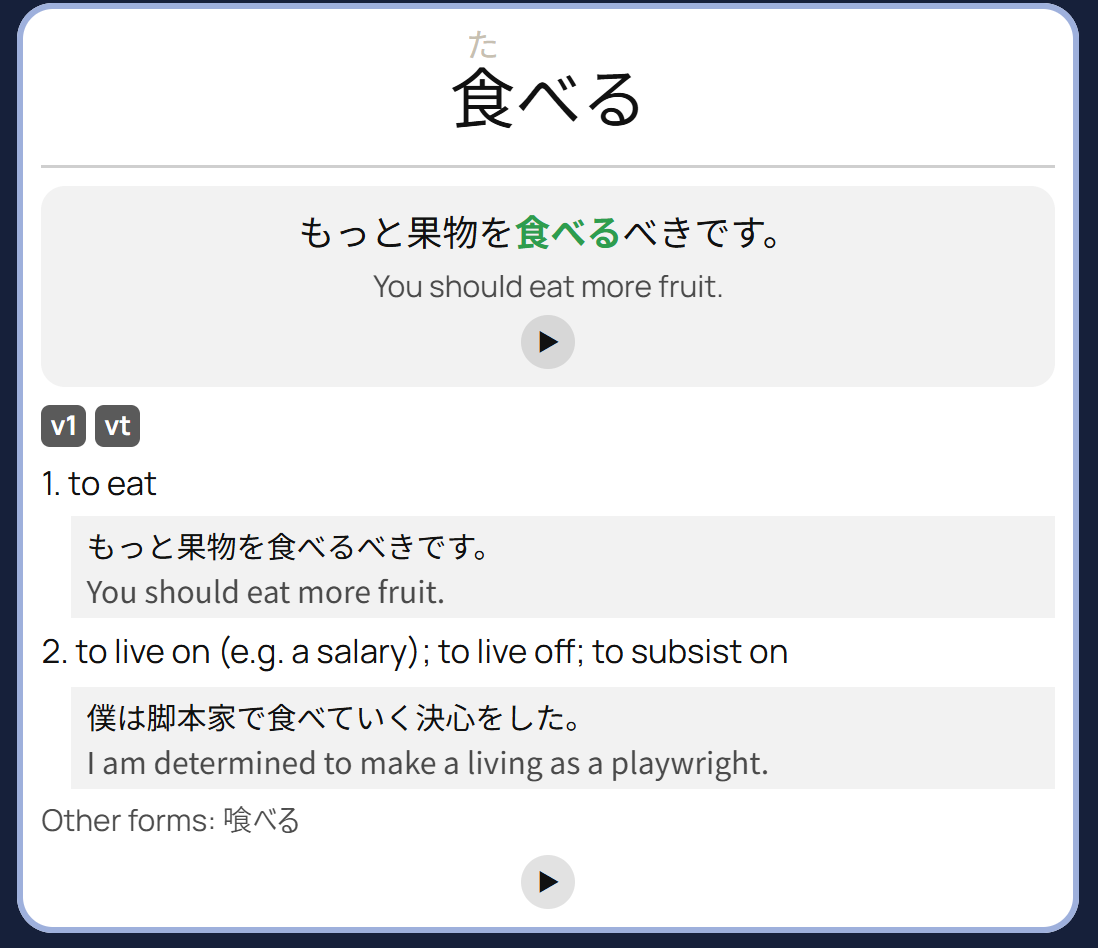
- Card style. Choose rich or simple cards, whether the front shows the word or the sentence, and whether readings sit above the kanji.
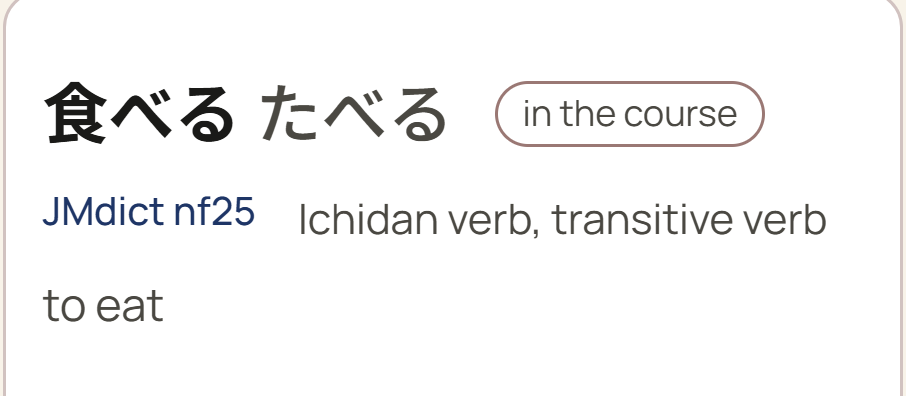
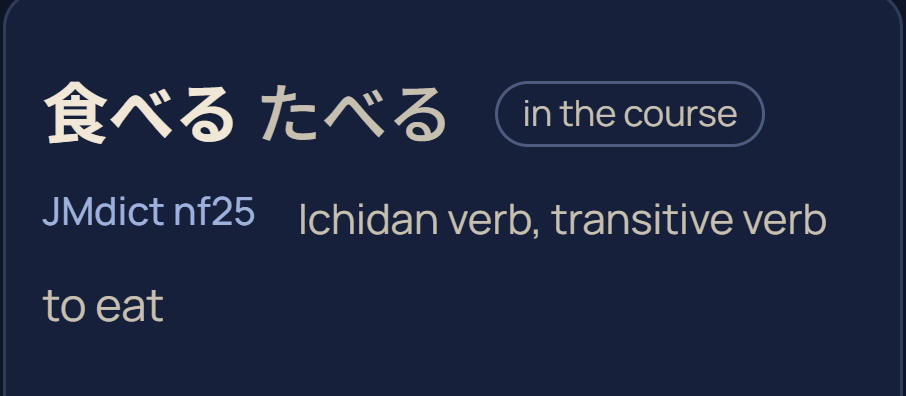
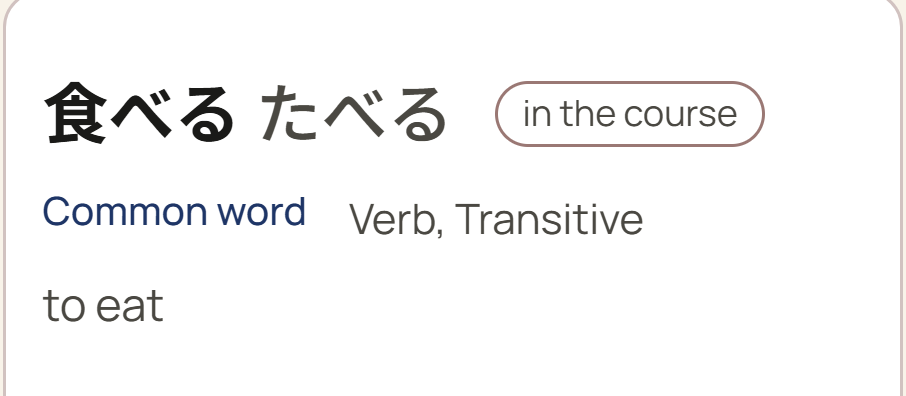
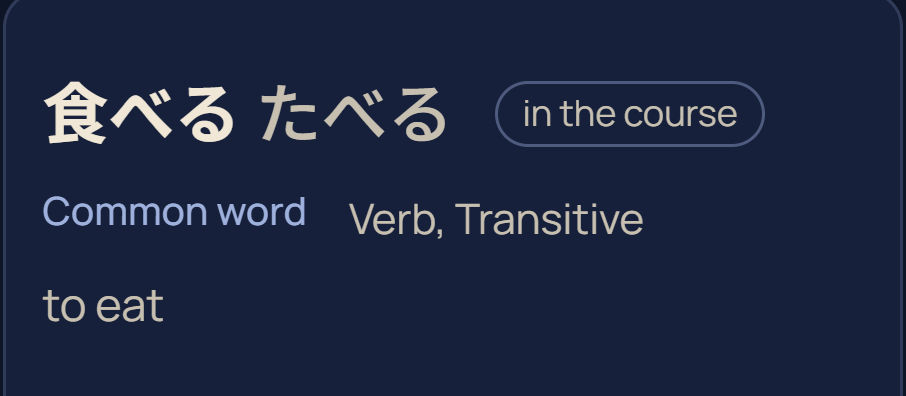
Card style Rich or Simple, a front with the word or the sentence, and readings above the kanji or hidden. The back of 食べる, as it goes to Anki.
移Moving in
- From Anki: open a deck or collection exported with its scheduling (.apkg, .colpkg). Your answers are replayed into FSRS, so each card's schedule is this app's estimate from your real history. One file can hold several note types, each moved in as words, kanji or grammar; a grammar deck's notes are grouped by point, and a point counts as learned when at least half its notes are.
- From WaniKani: paste an API token. Items at Guru or above count as learned, and each keeps its next review date.
- From Renshuu: likewise, with its API key.
- If the other app taught only a kanji's reading, you choose whether its writing counts as known, is taught here, or is skipped, so its writing cards are answered from a grid and never drawn.
- An item another app counts as learned is learned here (WaniKani's Guru or above, or a three-week interval in Anki or Renshuu), and shows as learned in the levels, the kanji grid and the lessons. Overdue cards come back 25, 50 or 100 a day, weakest first, rather than all at once.
- Imported figures are labelled on the progress screen, and each import can be cleared by source.
彩Make it yours
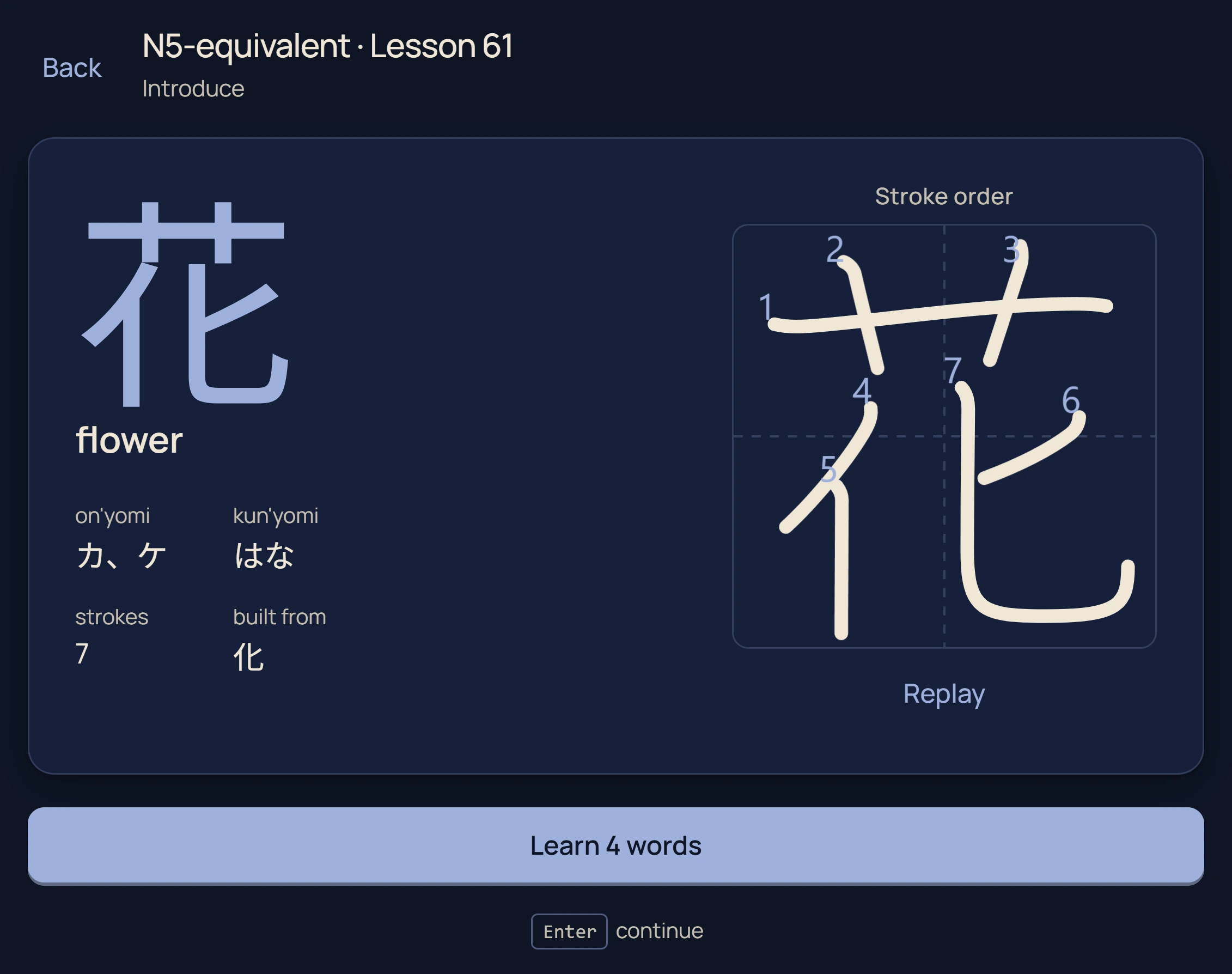
- Light, dark or follow the system, with the accent in one of seven traditional Japanese dye colours.
- Home backdrops of ten Japanese places, from Tokyo to Kyoto and Nara, and one of five interface fonts.
- Reduce animations. A switch in Settings stills the app’s motion, on Android, iOS and the web.
- The look-up highlight in the accent colour or one of six highlighter pens.
- Accessibility. Colour-blind answer colours in blue and orange, larger furigana, plain words such as “Common word” in place of dictionary codes, and screen-reader labels throughout.
Answer colours Mint and coral, or blue and orange for colour-blind eyes.




Furigana Half the word’s size, or larger.
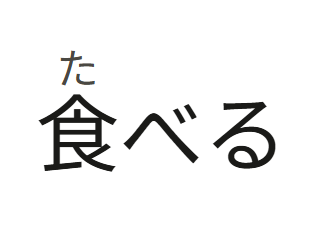
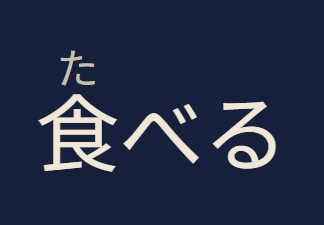
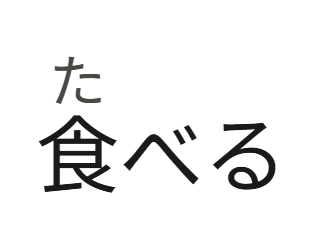

Lookup marker The accent colour, or one of six highlighter pens.




拡The browser extension
An extension for Chrome, Edge and Firefox (on Android too), with store listings on the way, and for Safari on iPhone and iPad, which comes with the iOS app. It runs the app's own dictionary engine in the browser, on any page and on YouTube, Netflix and any other video with a subtitle file; on iPhone and iPad it uses the app's own dictionary.
- Hold Shift over Japanese on any page to see the word, its reading, meanings and example sentences. Alt, Ctrl, no key at all, or a click can be used instead, and on a touch screen a tap.
- Break down lists every word of a sentence at once.
- The dictionary downloads once (about 80 MB) and stays in the browser, so look-ups are instant and work offline.
- YouTube: a video's Japanese captions are drawn as a line you can look up. Netflix: the Japanese subtitles become the same line, with every key below, and Alt+J switches a show’s subtitles to Japanese. Any other video: drop a subtitle file (SRT, VTT, ASS or SSA) onto it.
- Keys: Alt+← and Alt+→ move between lines, Alt+↓ replays one, Alt+P pauses at the end of each line, Alt+L opens the transcript, Alt+H hides the line, and Alt+E adds the English line.
- + Anki adds the word with the sentence, and from a video a screenshot and the line's audio. On sites that block recording, press Alt+Shift+M once on the tab, in Chrome or Edge. Needs Anki on your computer with the AnkiConnect add-on.
- Review in Mojiya. Signed in, one button sends the word to Mojiya, where it waits on the dictionary's empty search, ready to study.
- What you look up is read in your browser and never sent to us.
Supported formats
| What | Formats | Notes |
|---|---|---|
| Books | EPUB, PDF | EPUB 3 media overlays play as a read-along |
| Manga and comics | ZIP, RAR, CBZ, CBR, a folder of JPG, PNG or WebP pages | Picture pages are read by on-device text recognition |
| Video | What the platform plays. On iOS also MKV, WebM, AVI, FLV, TS and OGG | Android uses Media3, iOS AVPlayer and VLCKit, and the web the browser's own player |
| Subtitles | SRT, VTT, ASS, SSA, and the text tracks inside an MKV or MP4 | Picture subtitles such as PGS are not read |
| Audiobooks | Audio files with an EPUB or a transcript | Aligned on the device, on all three platforms |
| Dictionaries | Yomitan (.zip) | Term and frequency dictionaries, format versions 1 to 3 |
| Imports | Anki (.apkg, .colpkg) word, kanji and grammar decks, WaniKani API, Renshuu API | Learned items keep their next review; overdue ones are spread over the following days |
| Exports | AnkiDroid, AnkiMobile, Anki deck (.apkg), AnkiConnect | A video's picture and audio go to AnkiDroid, AnkiConnect, and the deck file made on iOS or the web |
Platforms
One course and one set of tools, delivered the way each platform allows.
| Feature | Android | iPhone and iPad | Web | Extension |
|---|---|---|---|---|
| Get it | ||||
| Where to get it | Google Play | App Store, coming soon | mojiya.app | Chrome, Edge, Firefox, coming soon; Safari on iPhone and iPad, with the app |
| Sign in | Apple or Google | Apple or Google | Apple or Google | Optional |
| Study | ||||
| Course and reviews | — | |||
| Works offline | Dictionary and part of the course from the second visit; the whole course, its recordings and the dictionary’s audio if you choose | Dictionary | ||
| Bring progress from Anki, WaniKani, Renshuu | — | |||
| Cloud backup across devices | — | |||
| Save and restore progress to a file | — | |||
| Read and watch | ||||
| Books and manga | — | |||
| Your videos with subtitles | ||||
| YouTube captions as text | —Use the extension | |||
| Browse websites and look words up | ||||
| Look up | ||||
| Dictionary | Pop-up | |||
| Look up from other apps | —Use the extension | Any page | ||
| Anki | ||||
| Send words to Anki | AnkiDroid, one tap | AnkiMobile, one tap, or a deck file | AnkiConnect, or a deck file | AnkiConnect, on a computer |
| Video picture and audio on Anki cards | Through AnkiDroid | In the deck file, with Mojiya’s note type | On a computer | |
included not available
機Under the hood
- One codebase. Kotlin Multiplatform: Android and iOS share their screens in Compose Multiplatform, and the web app runs the same logic as WebAssembly behind its own HTML pages.
- Scheduling. A port of FSRS-6 reads an append-only log of every answer, so the schedule is derived from what happened, never from a counter beside it.
- Content. The course and dictionary ship as read-only SQLite databases, built by a reproducible pipeline: two builds of one revision produce the same bytes. The dictionary holds 253,451 senses and 32,199 example sentences.
- Text recognition. On Android, ML Kit together with PaddleOCR. On iOS, Apple's Vision. On the web, PaddleOCR running in the browser. The page image stays on the device.
- Audio. Synthesised speech: the 9,460 course words and the other 209,452 dictionary words in a female and a male voice, the dictionary’s as an optional download on the phones, and 14,357 example sentences, 483 grammar examples and a sample for every kana and kanji reading. Where Kanjium or UniDic records a word’s pitch accent, the voice is set to it.
- Your data. Sign in with Apple or Google and Cloud backup keeps your reviews, coins, saved words, notes and settings the same on Android, iOS and the web. Save your progress to a file and restore it on any platform: Settings › Backup on the phones, Account on the web. On Android and iOS the phone’s own backup carries it too. Read the privacy policy.
源Sources and licences
Mojiya is built on openly licensed data. Full attribution and every licence are in the app, under About.
| Source | Used for | Licence |
|---|---|---|
| JMdict, KANJIDIC2, JMnedict | Words, kanji and names | CC BY-SA 4.0, the EDRDG |
| KanjiVG | Stroke order, and handwriting grading | CC BY-SA 3.0 |
| Tatoeba | Example sentences | CC BY 2.0 FR |
| Kanjium | Pitch accent | CC BY-SA 4.0 |
| Jiten | Word frequency | CC BY-SA 4.0 |
| KRADFILE | Finding a kanji by its parts | CC BY-SA 4.0, the EDRDG |
| NINJAL 日本語文型データベース | The grammar inventory packed with the course | CC BY 4.0 |
| Yokubi | Grammar notes | CC BY 4.0 |
| Jitendex | Optional download: a fuller dictionary | Under its own licence |
| VLCKit | MKV, WebM and other playback on iOS | LGPL 2.1 |
Questions
Read the FAQ, or write to [email protected].